Long-distance couples
You want one photo together before the next visit. Upload separate selfies — the app places you in the same scene with matched lighting.
LDR guide →You do not need a photographer, a flight, or matching outfits on the same day. Upload a clear photo (yours, theirs, or both), pick a scene — beach sunset, wedding, festival, cinematic — and get a couple portrait you can share or print in about 30 seconds.
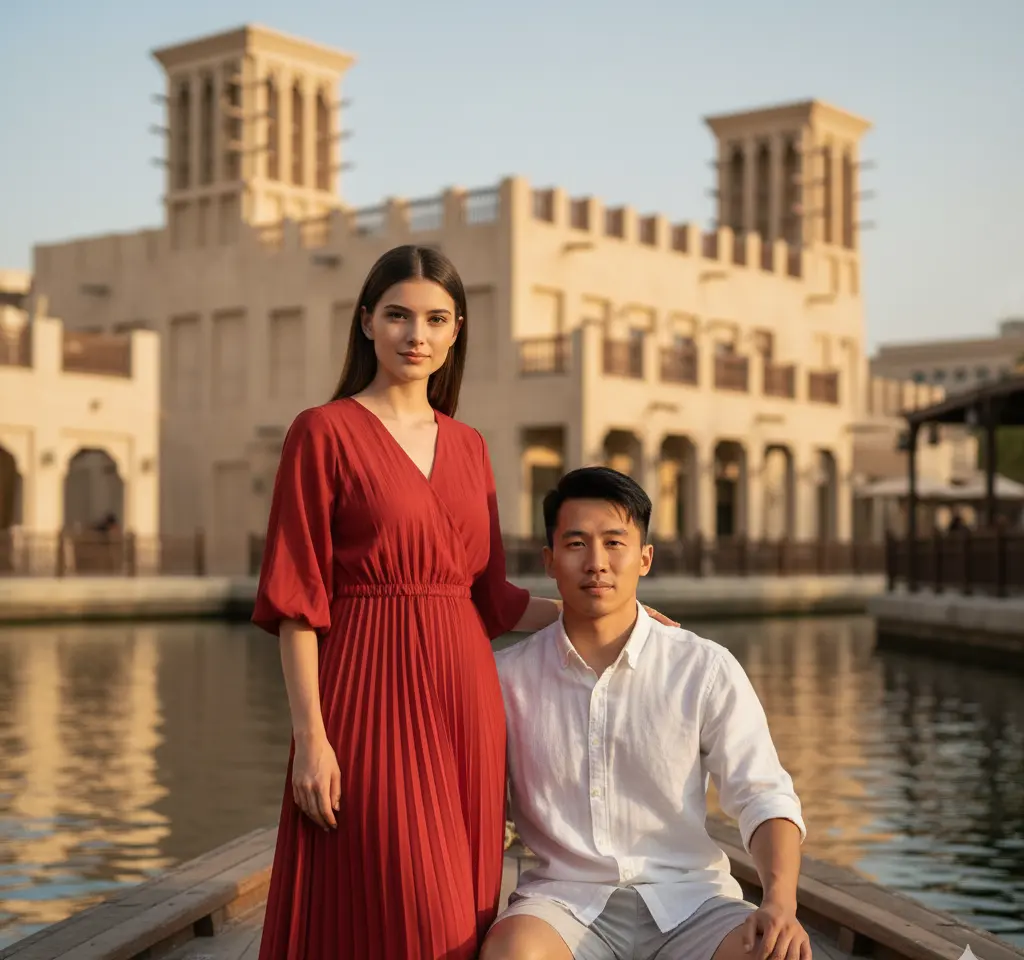
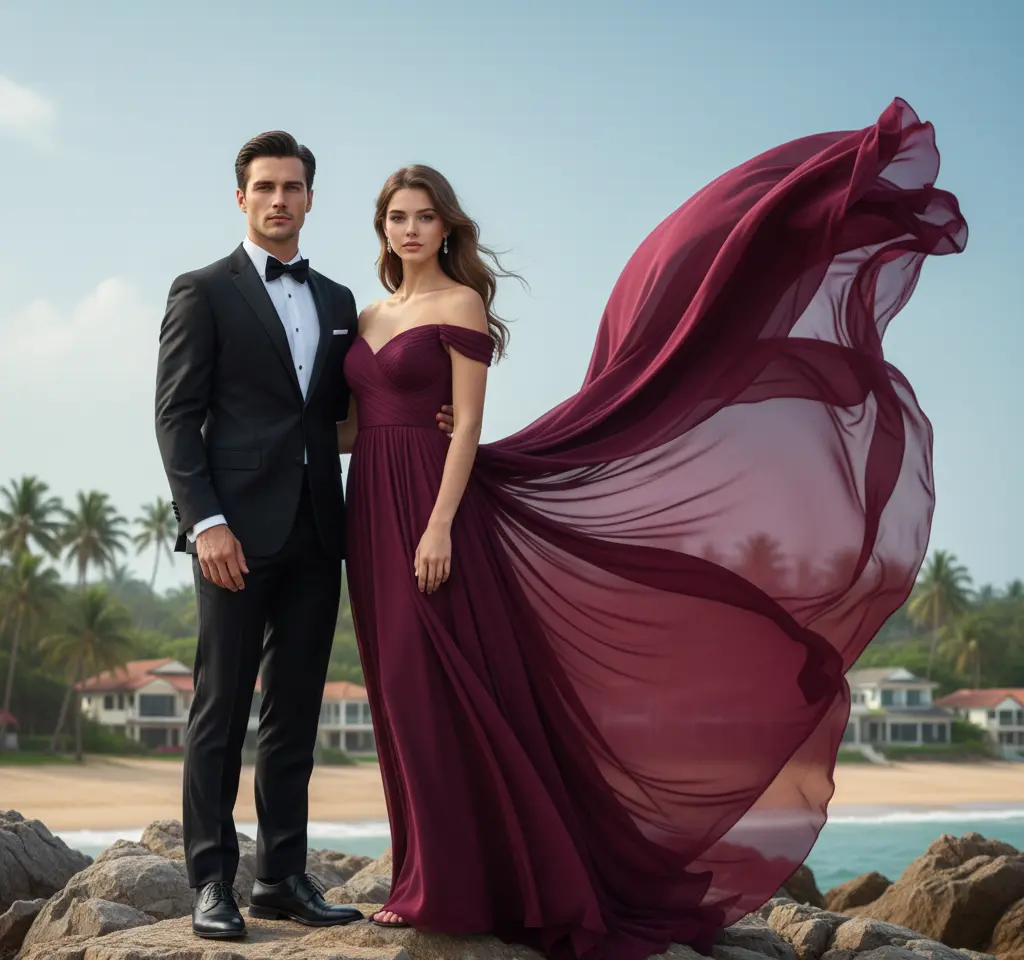
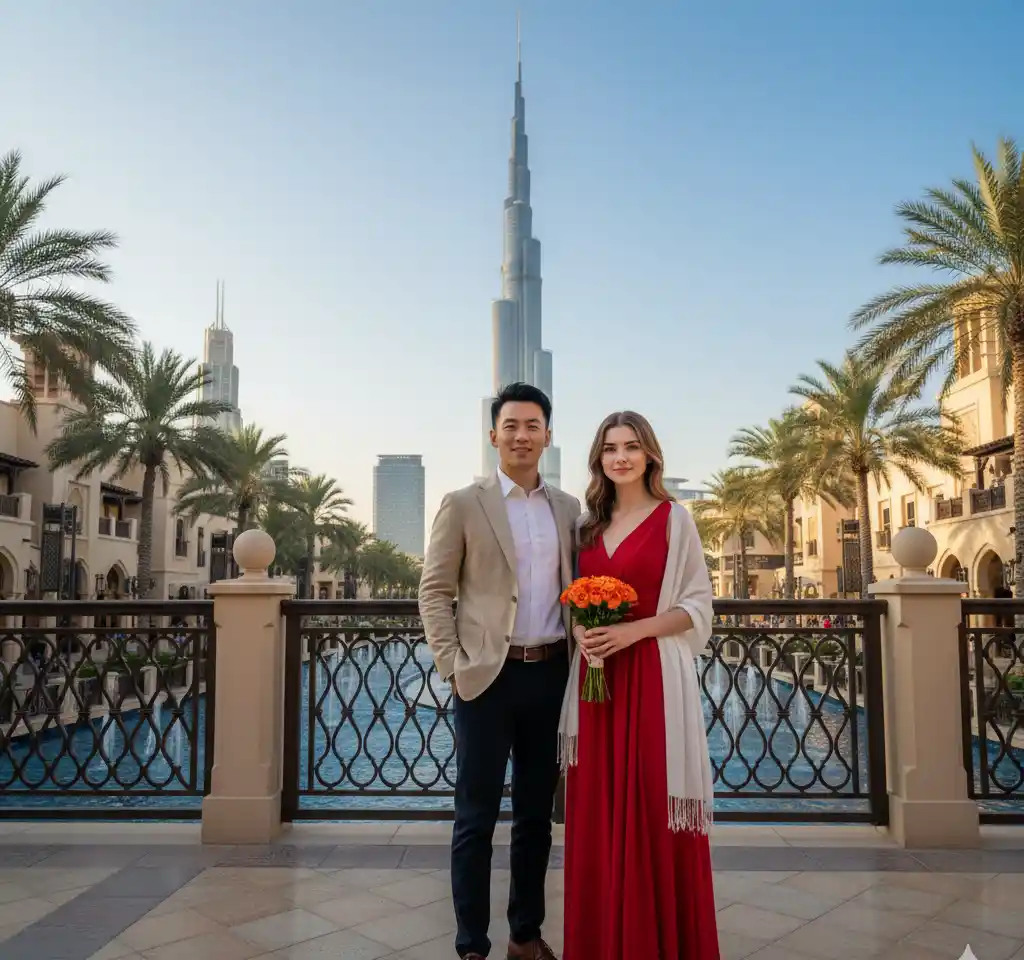
Wedding invite? Anniversary gift? WhatsApp DP? Choose a template that matches the occasion — not a random filter.
One couple selfie works. Two separate pictures work too — many of our users are long-distance and only have individual photos.
Save a high-res file for Instagram, WhatsApp, a digital invite, or a printed canvas. No watermark on downloads in the app.
These are the styles people generate most often — wedding, beach, cinematic, festival. Tap any preview to open the app and try that look.
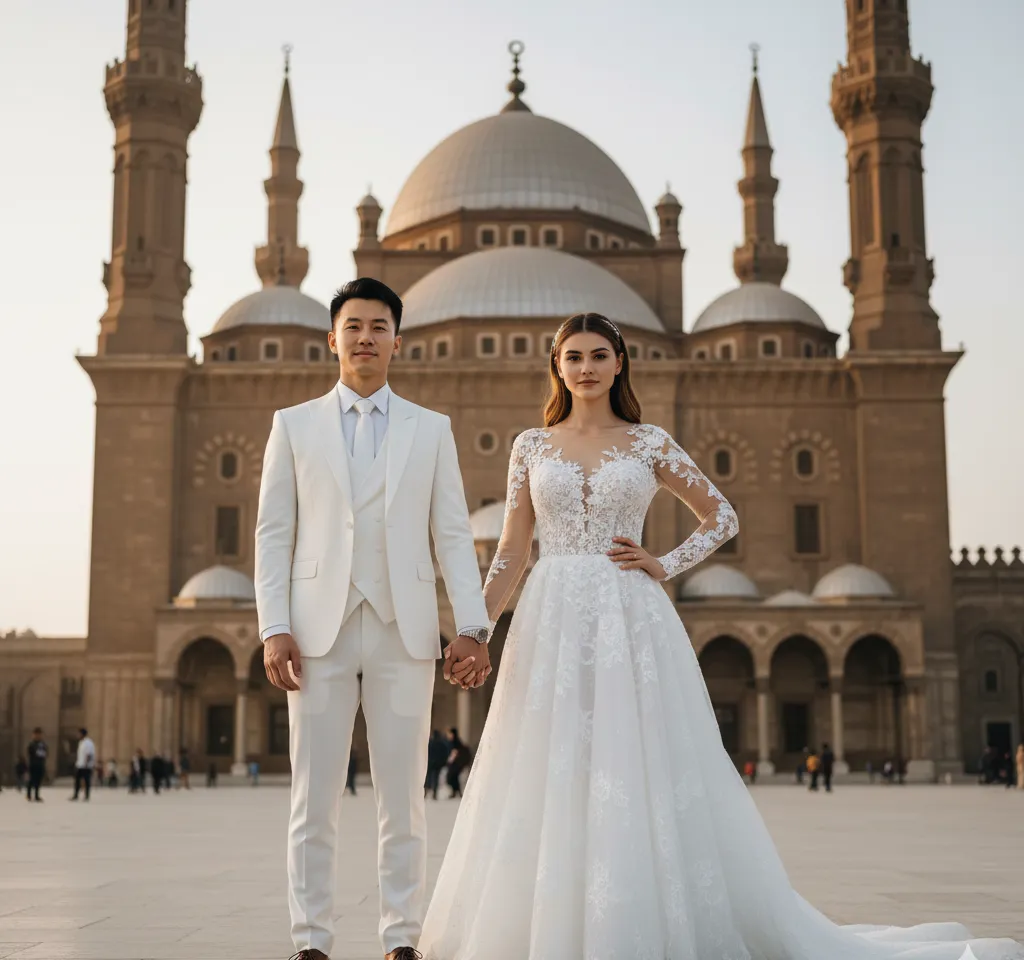
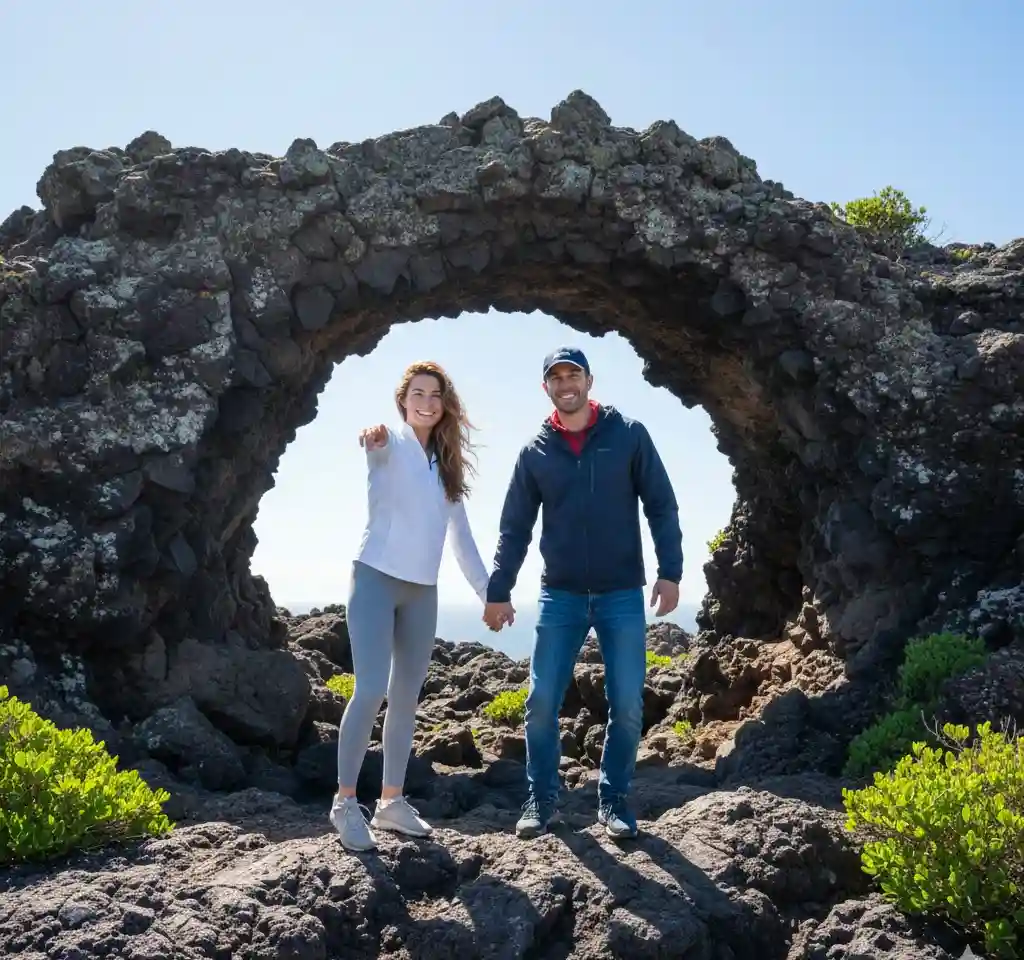
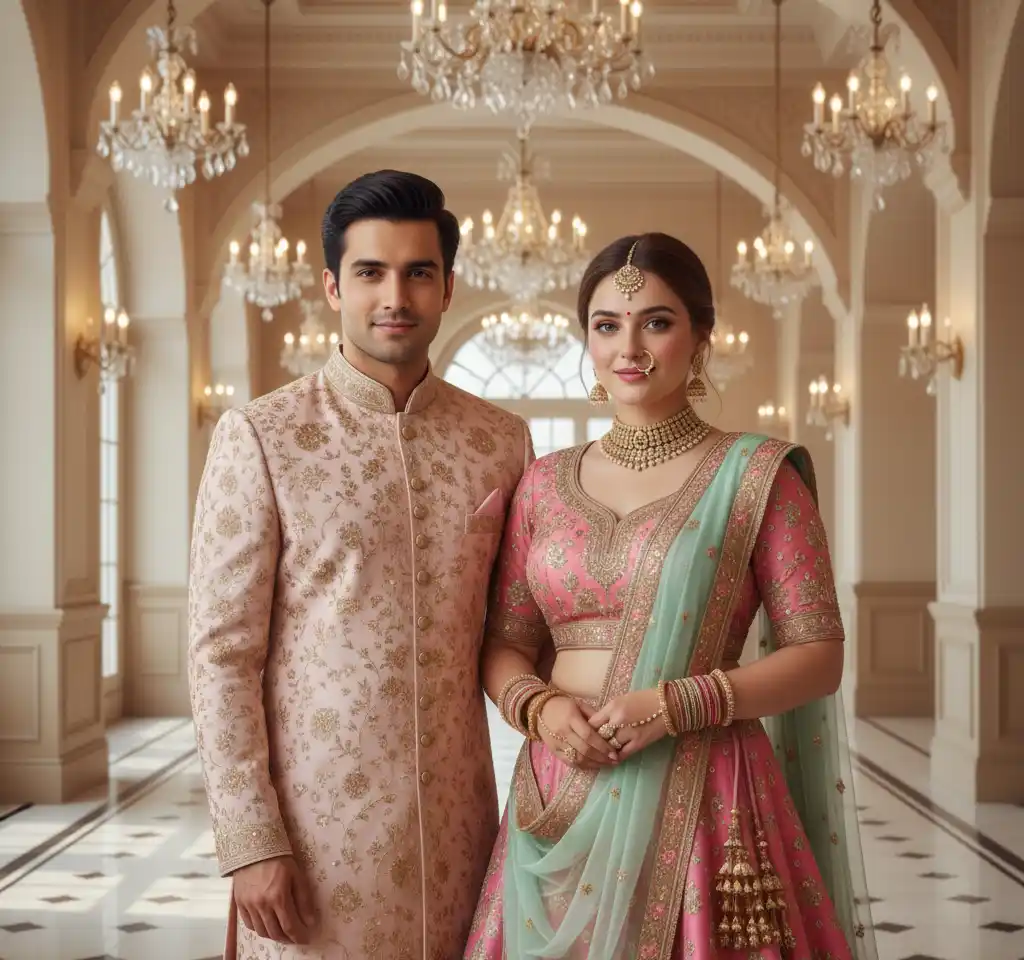
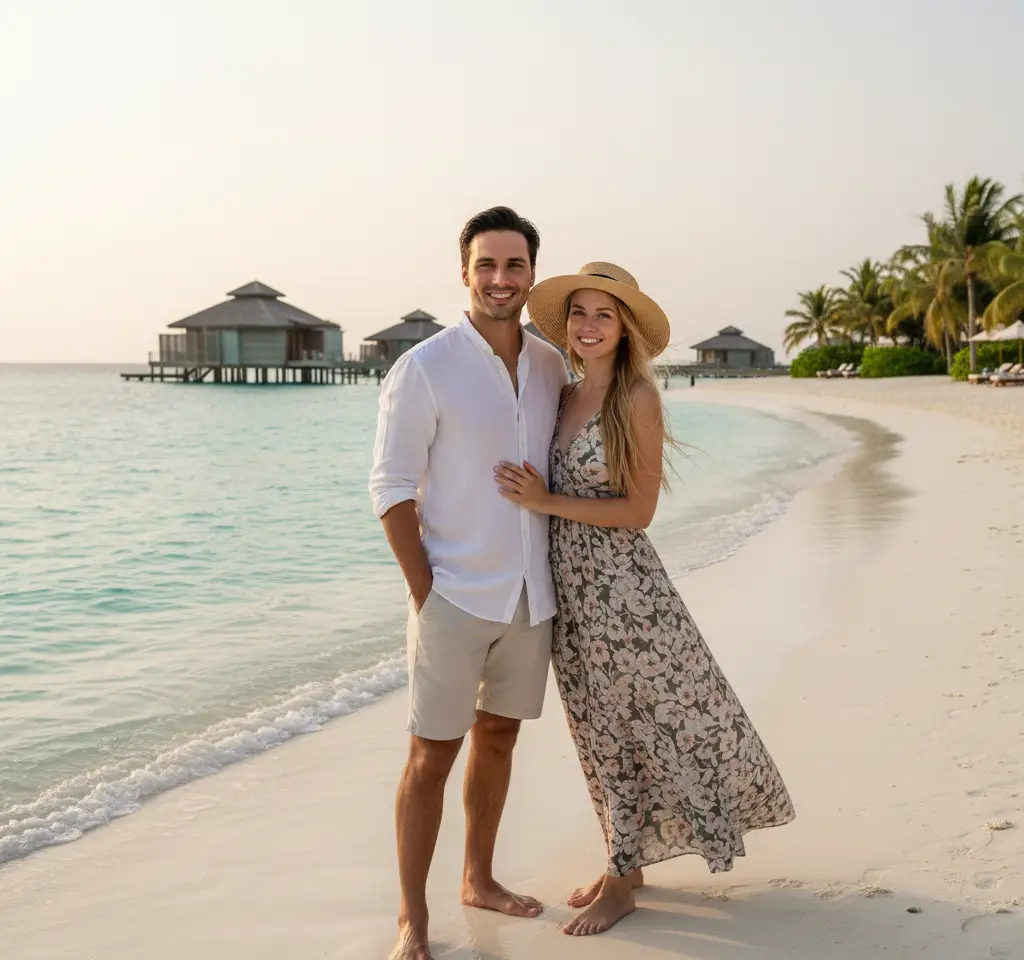
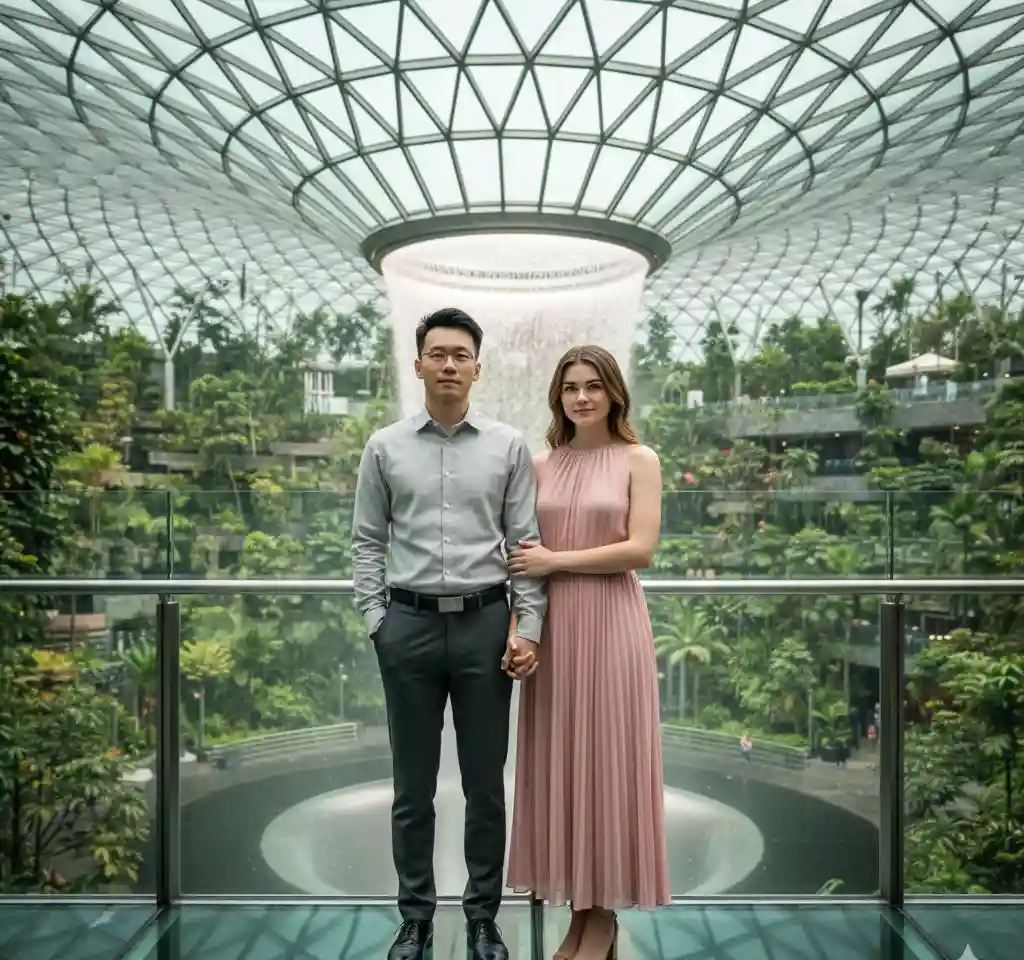
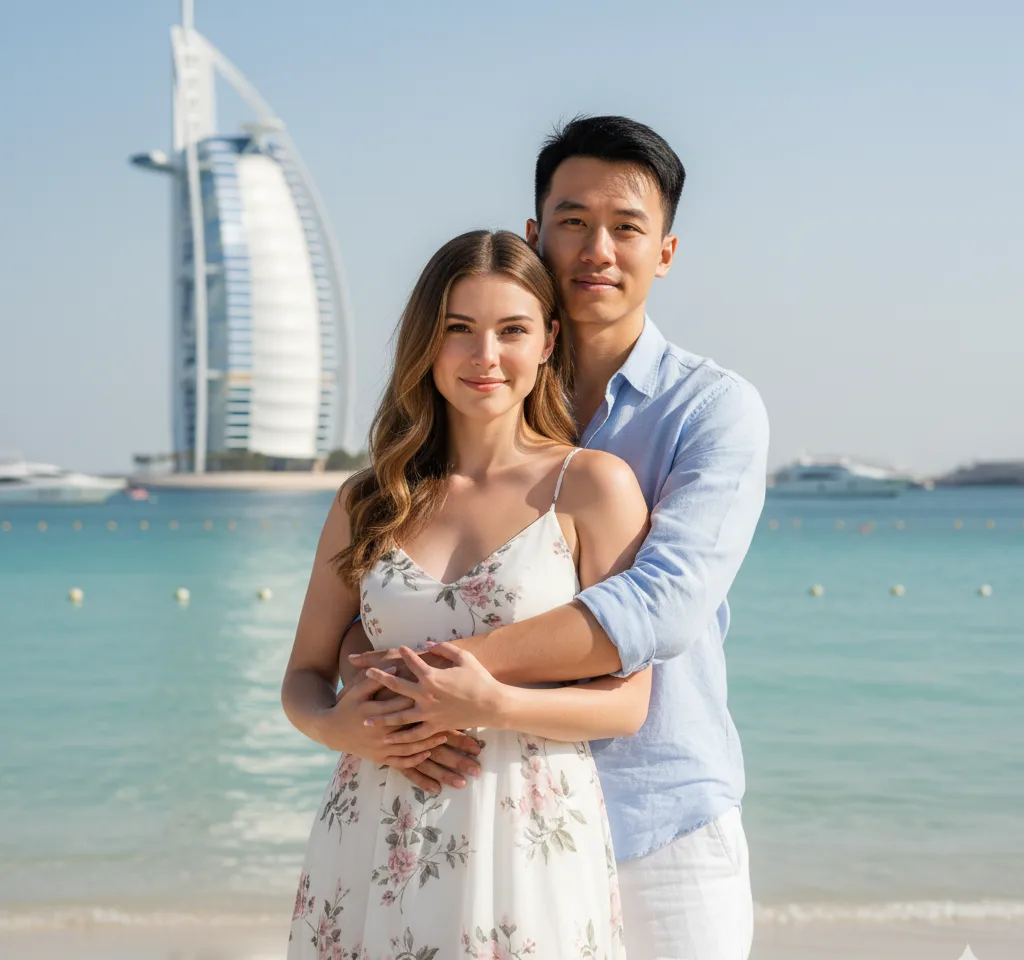
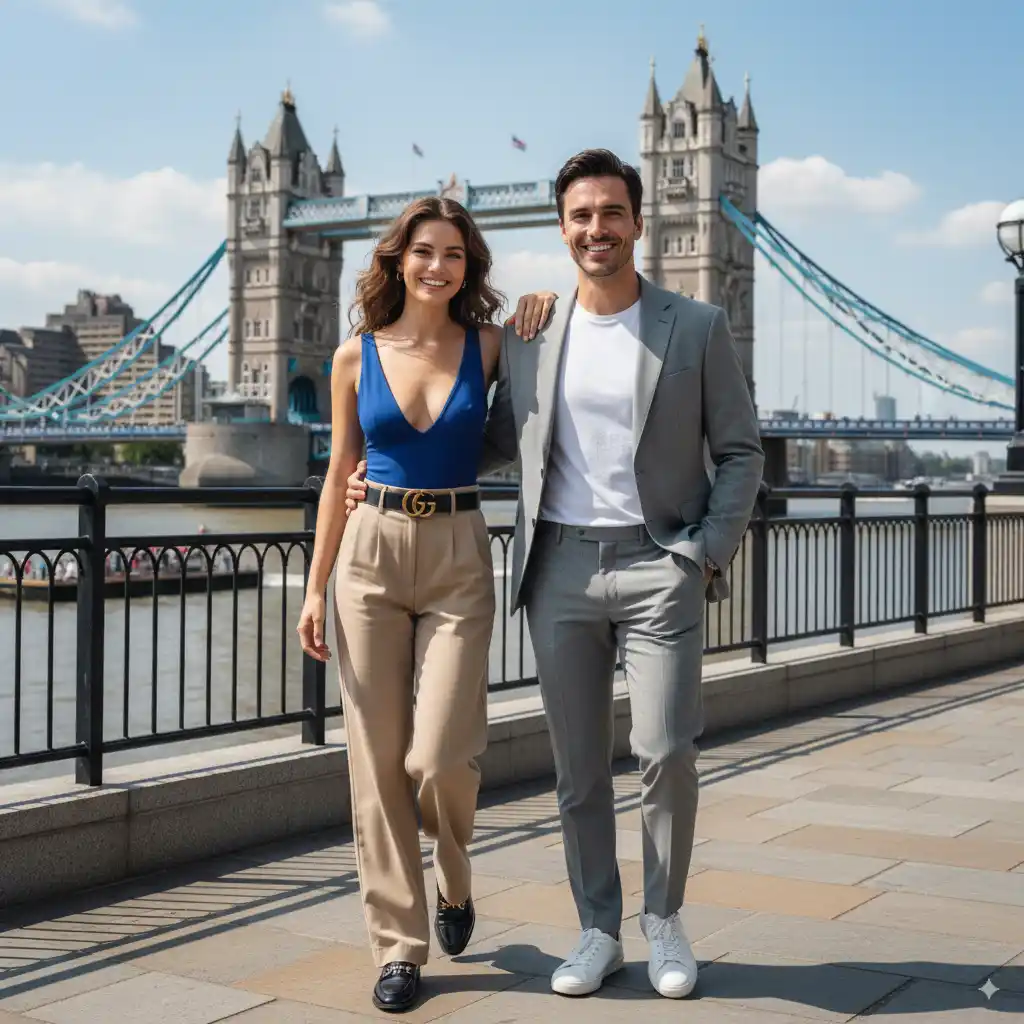
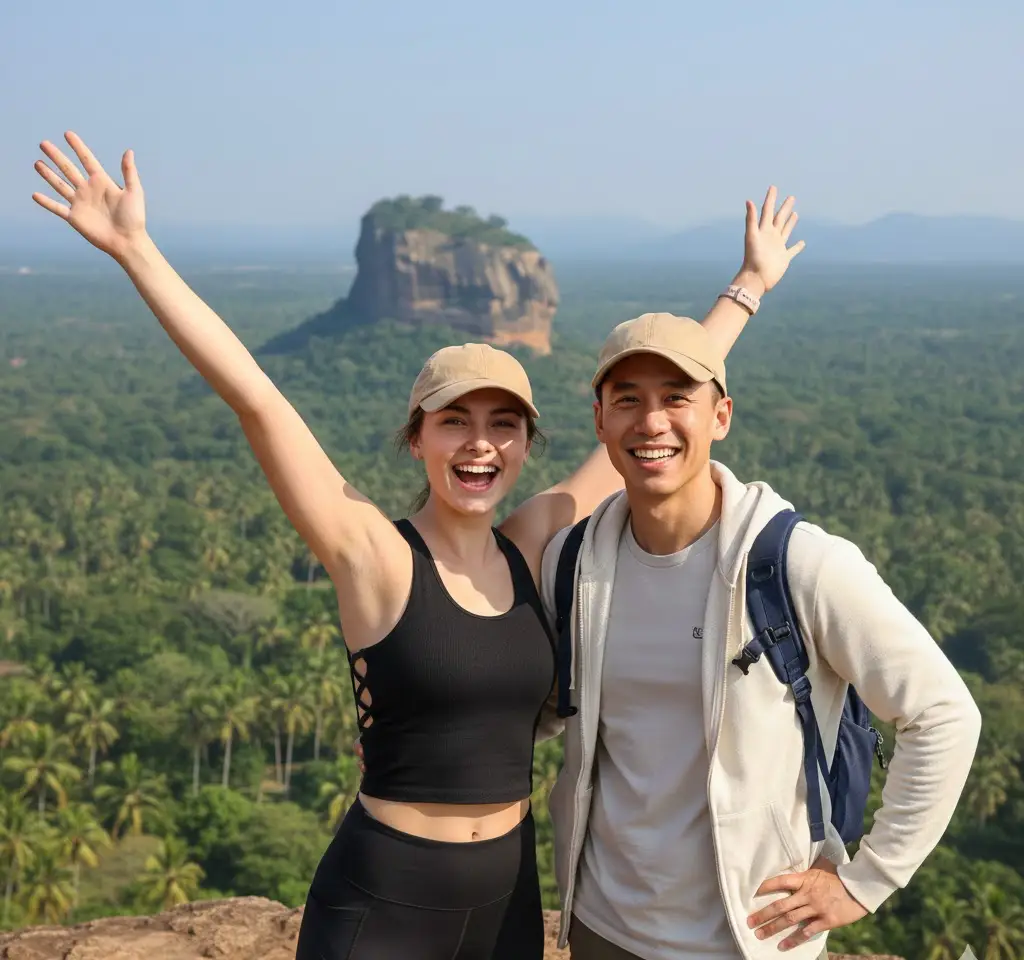
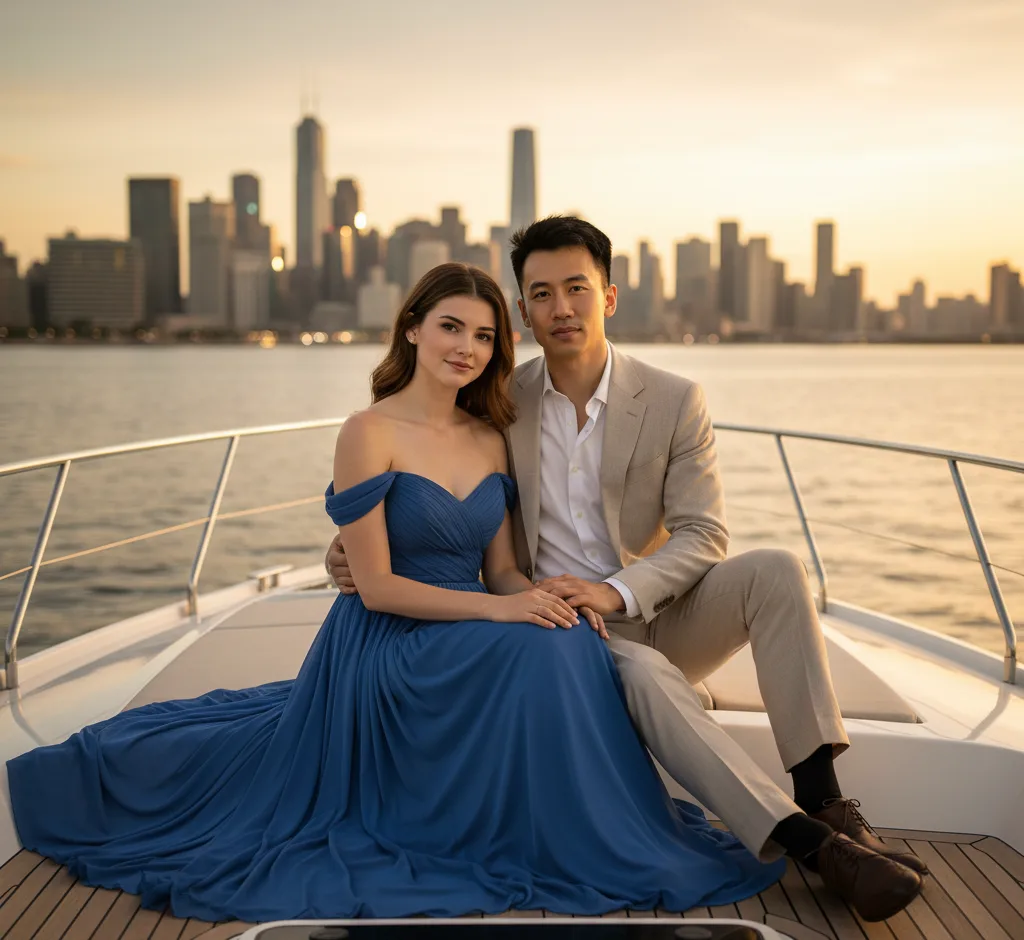
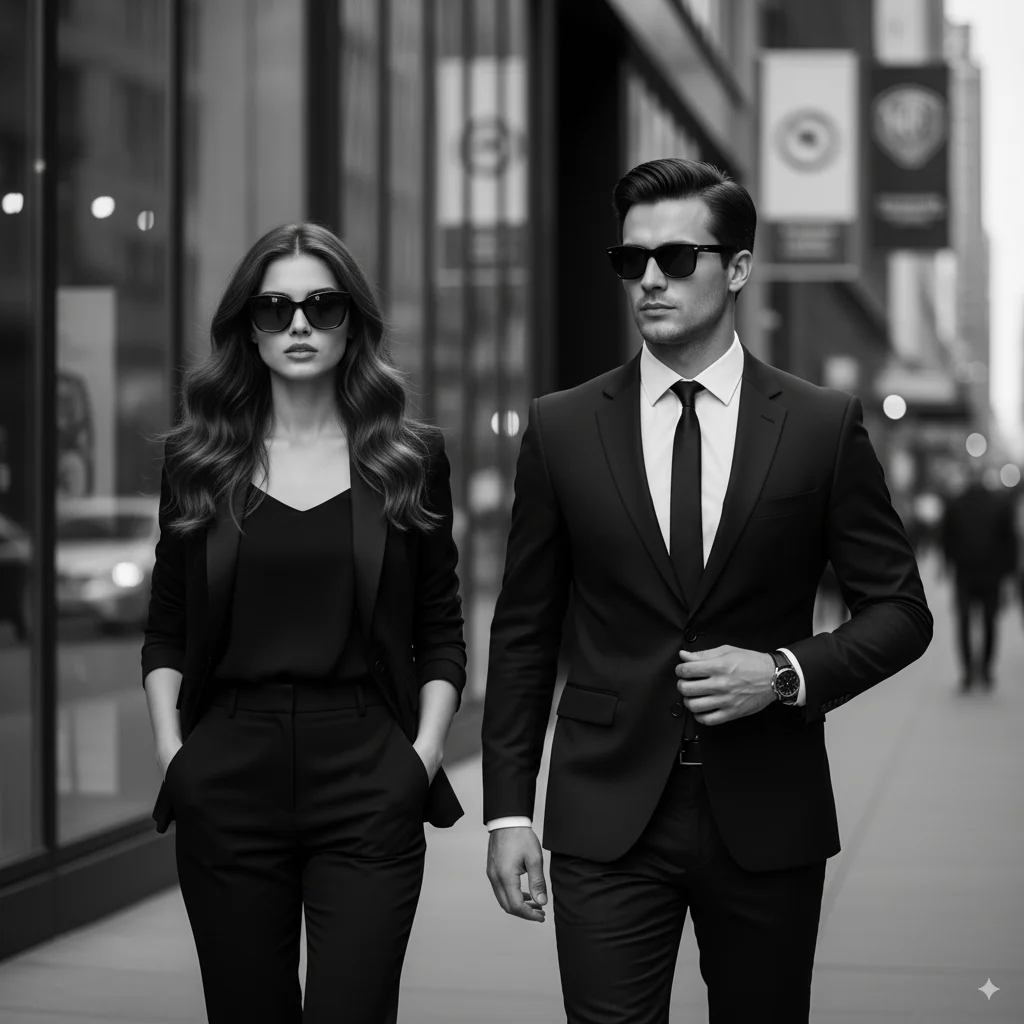
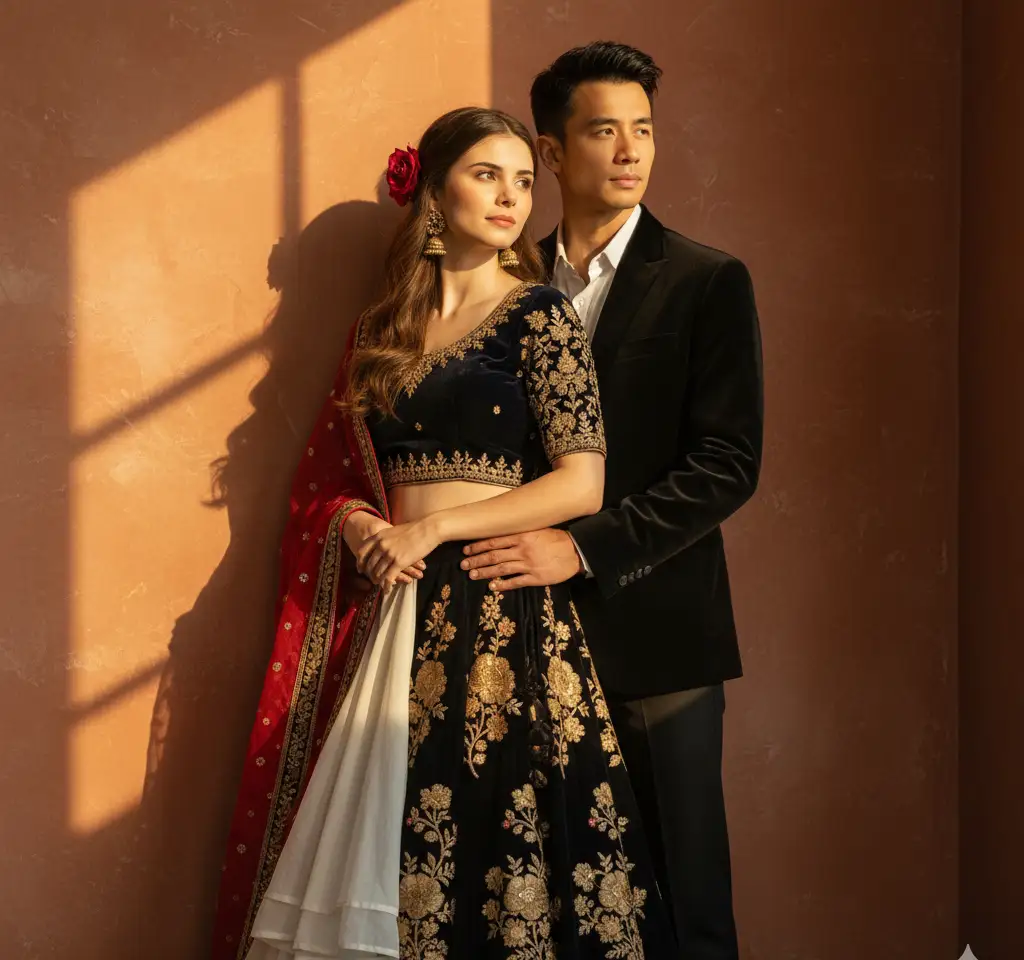
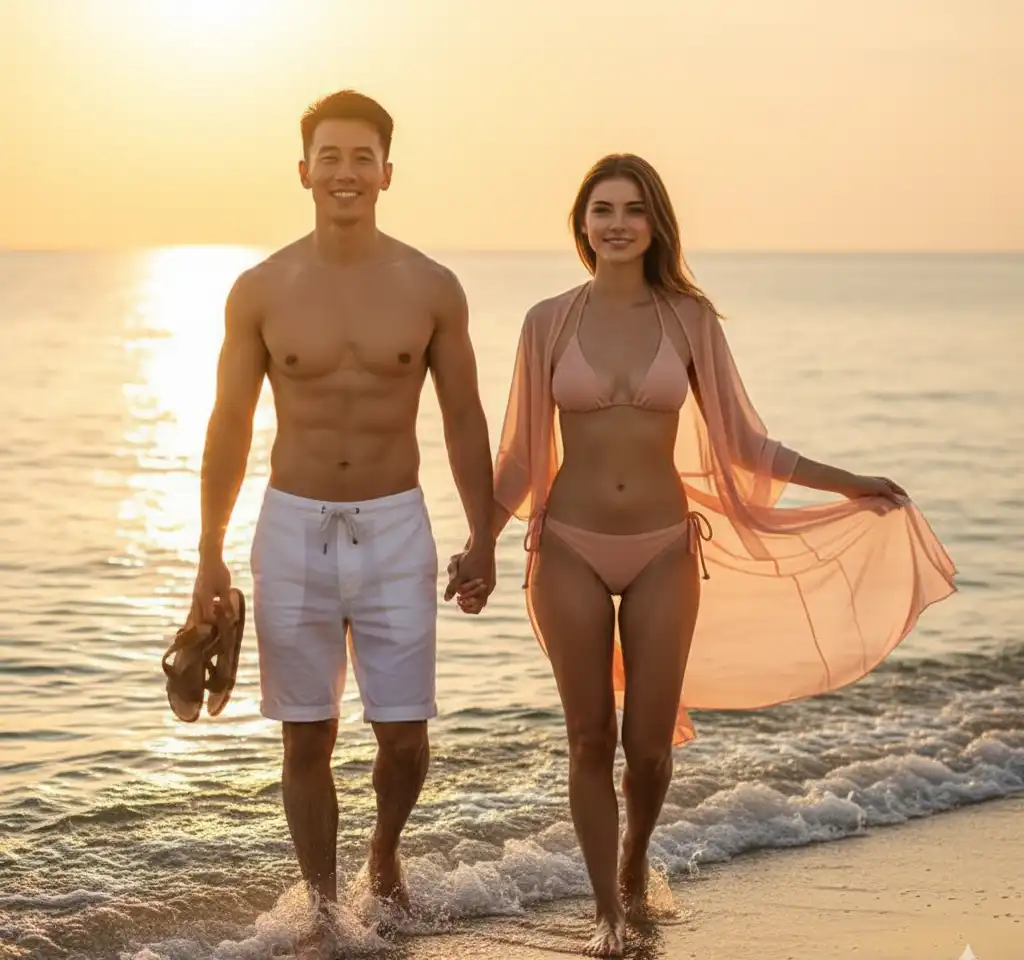
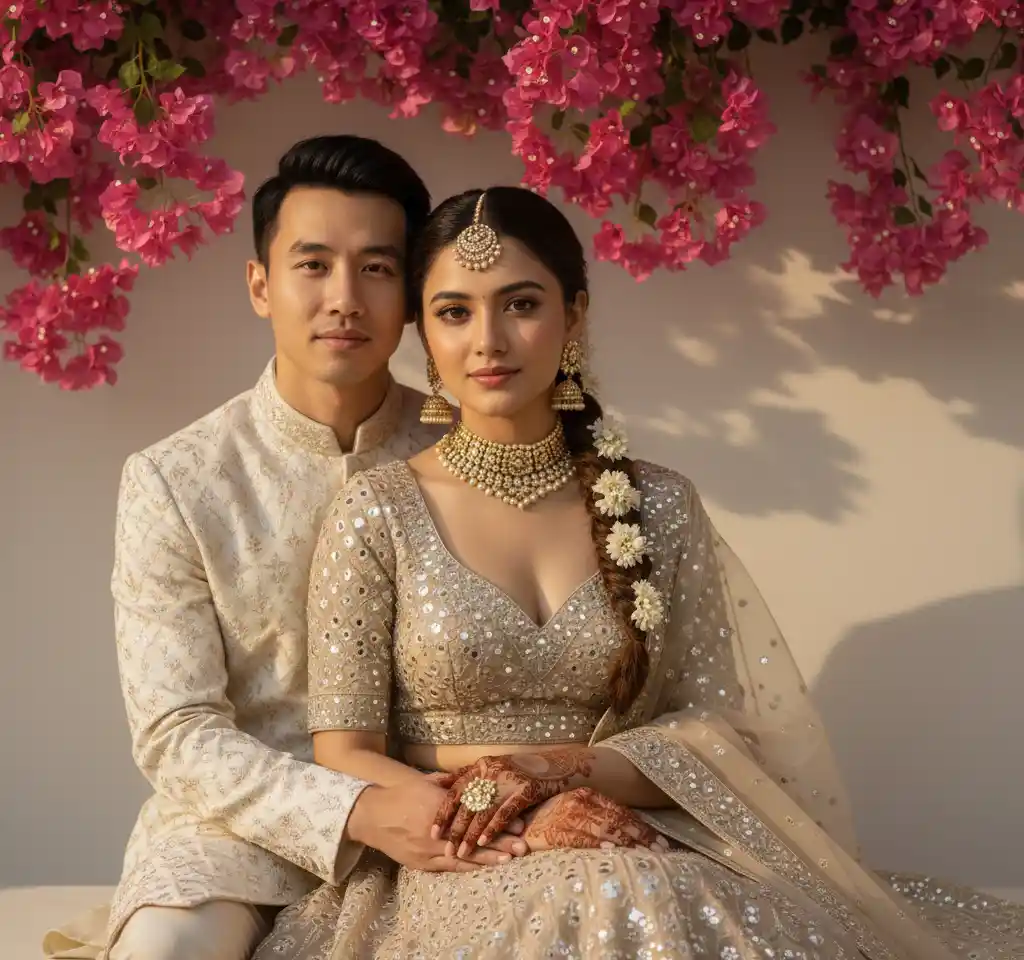
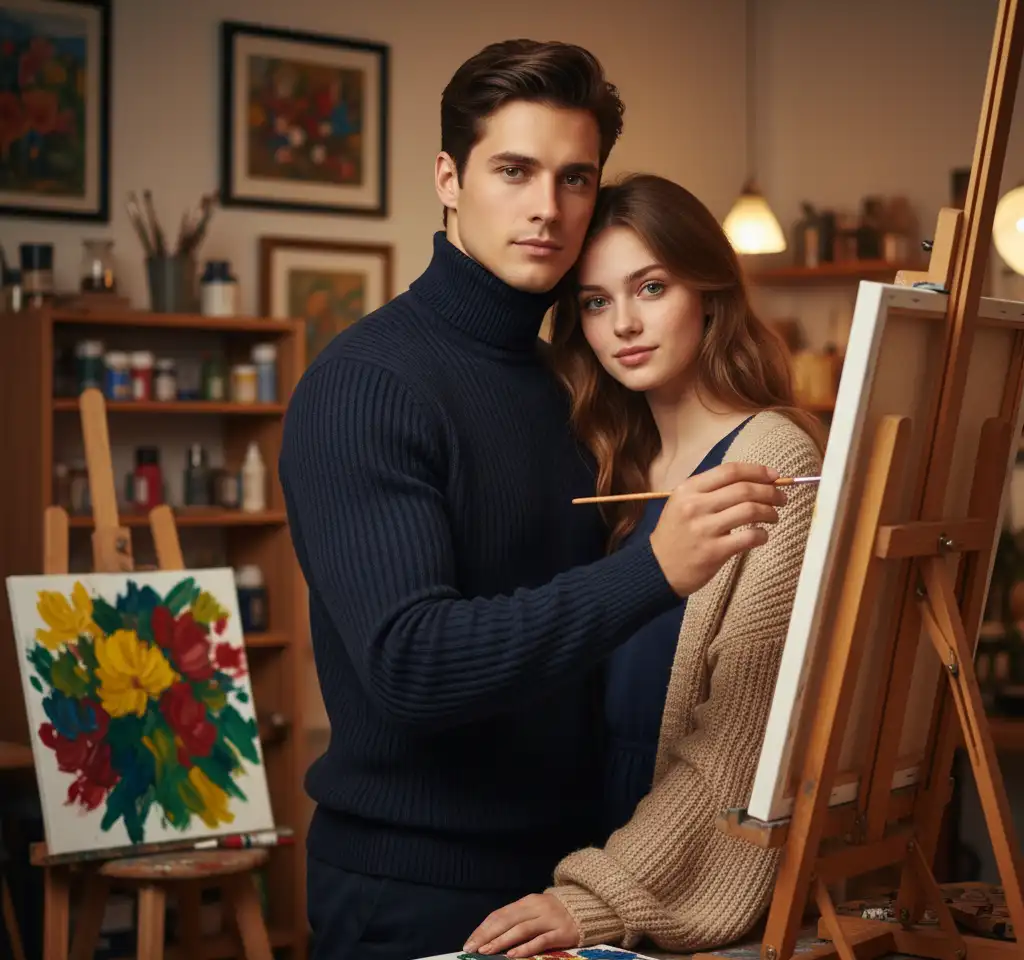
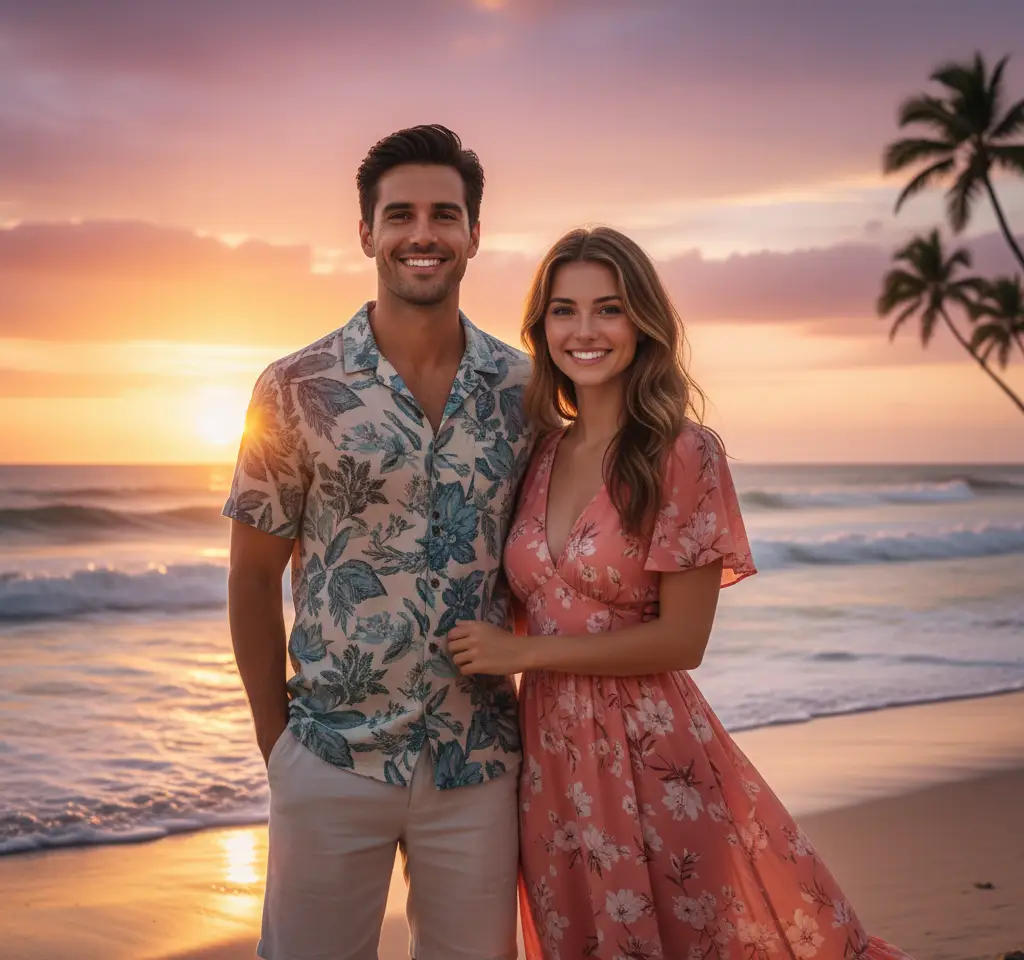
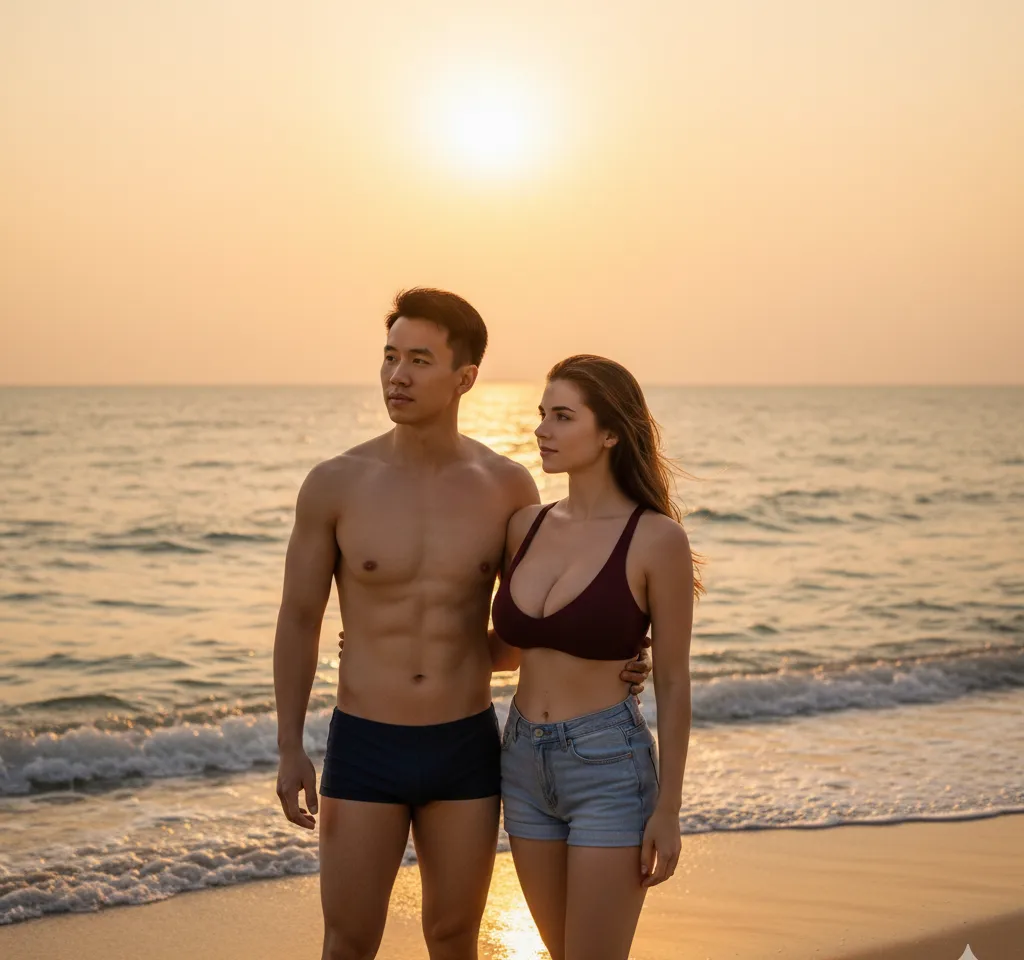
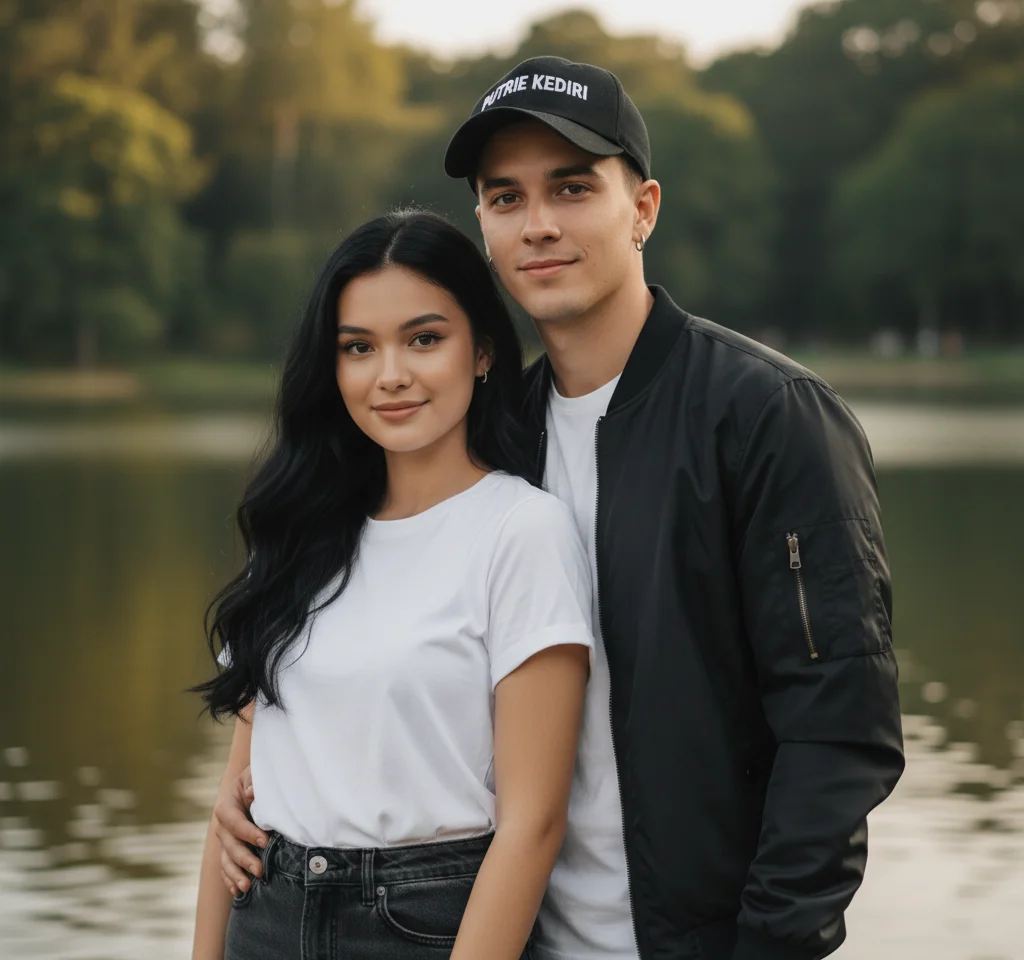
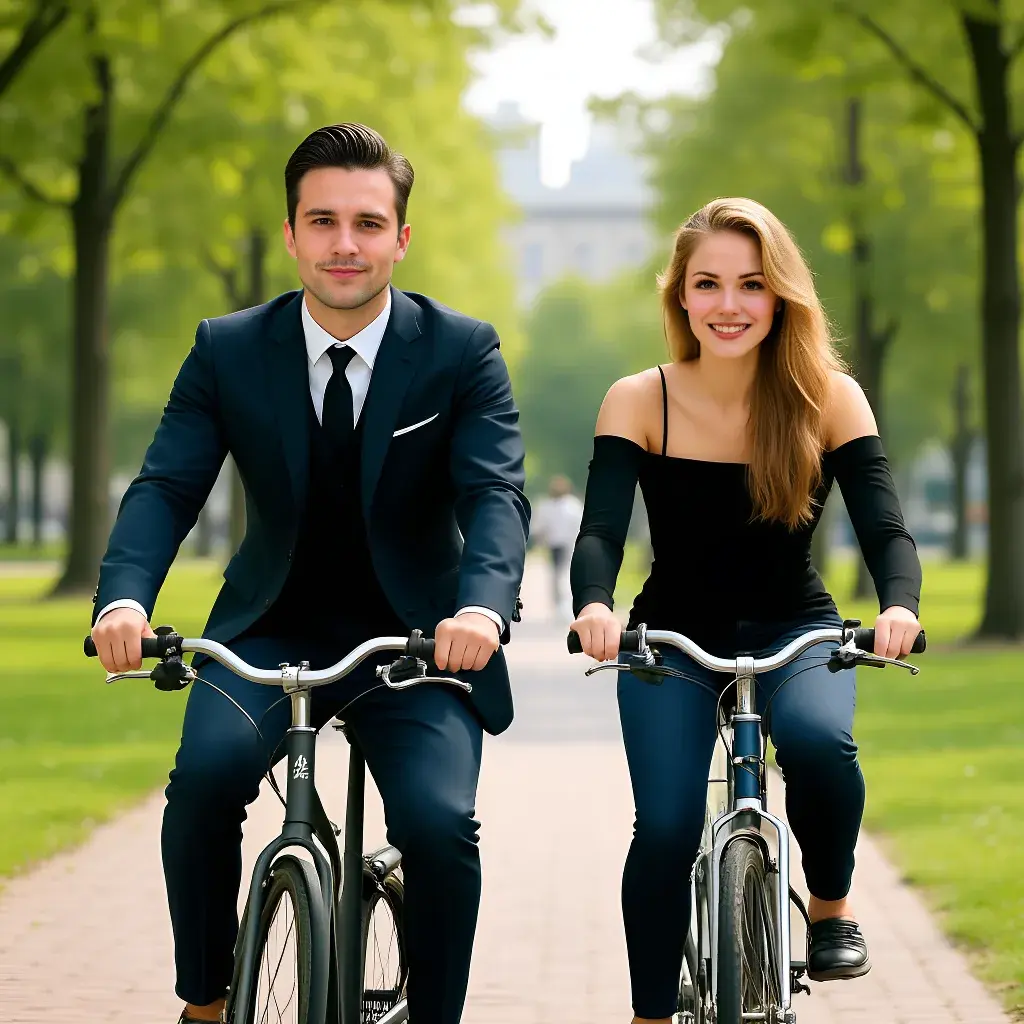
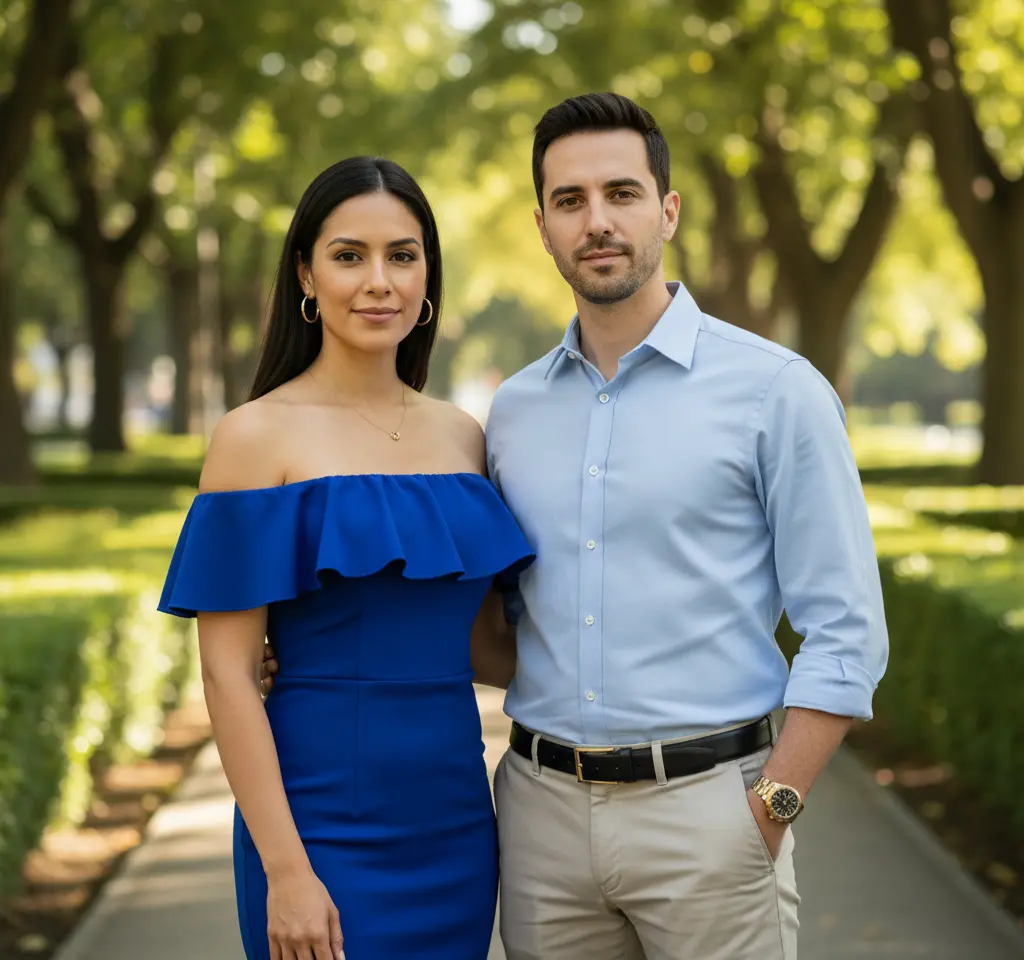
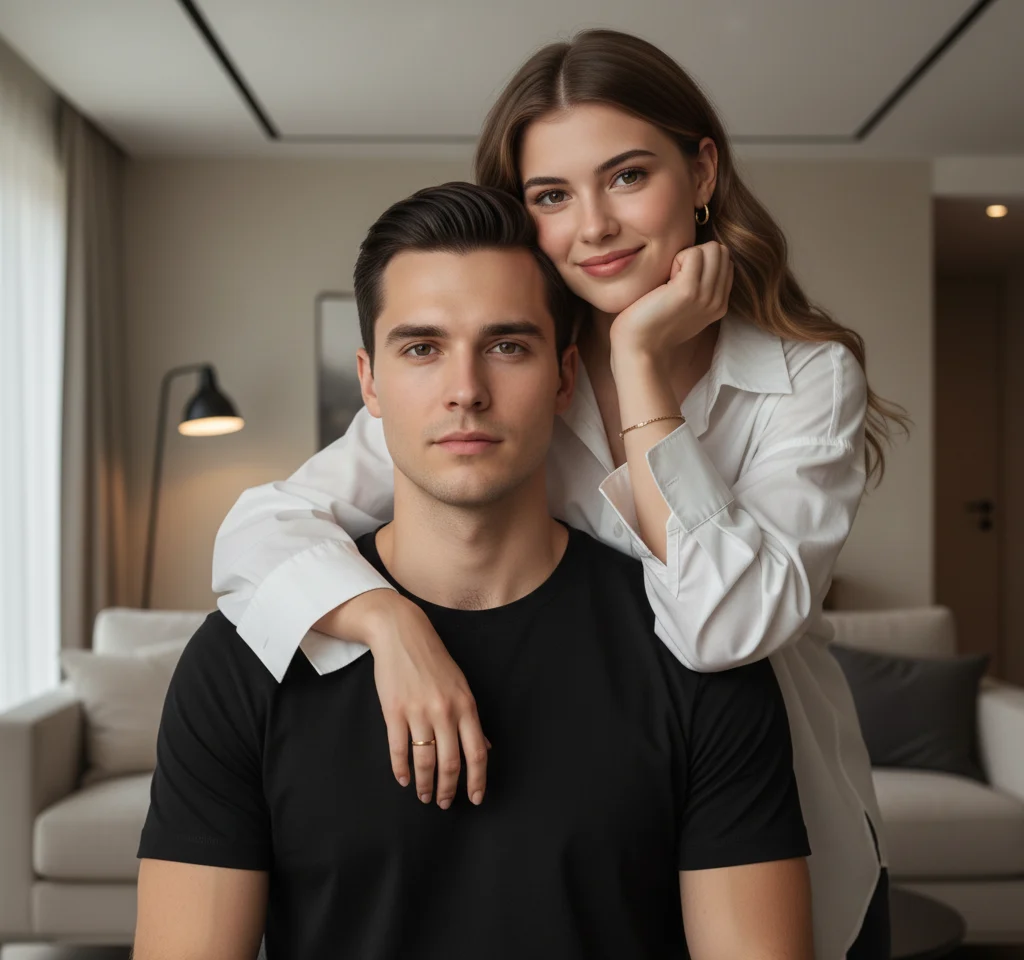
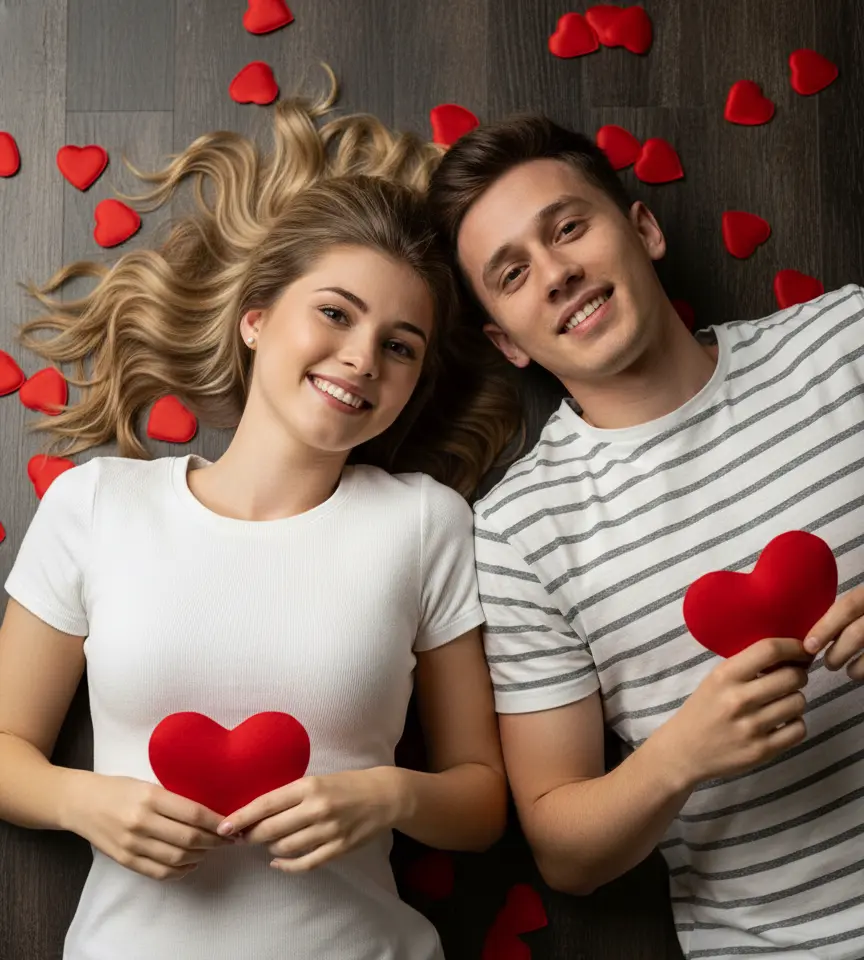
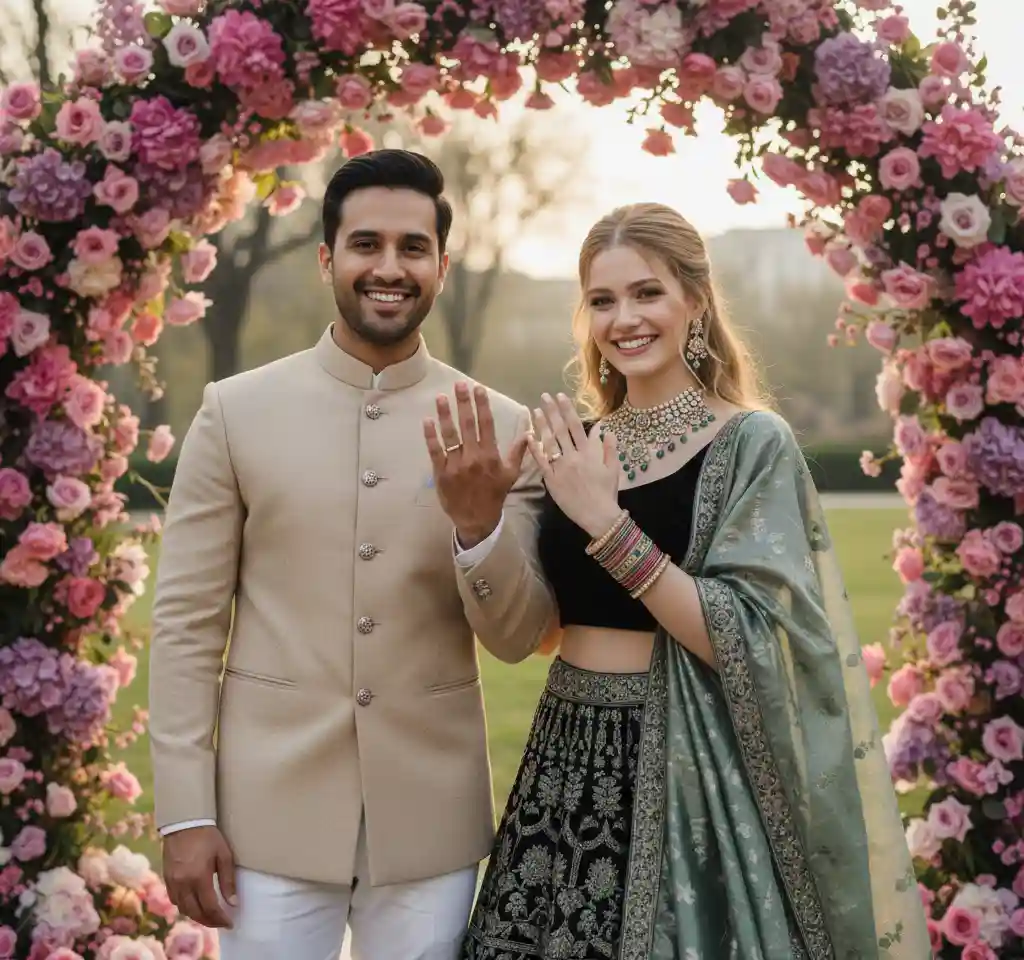
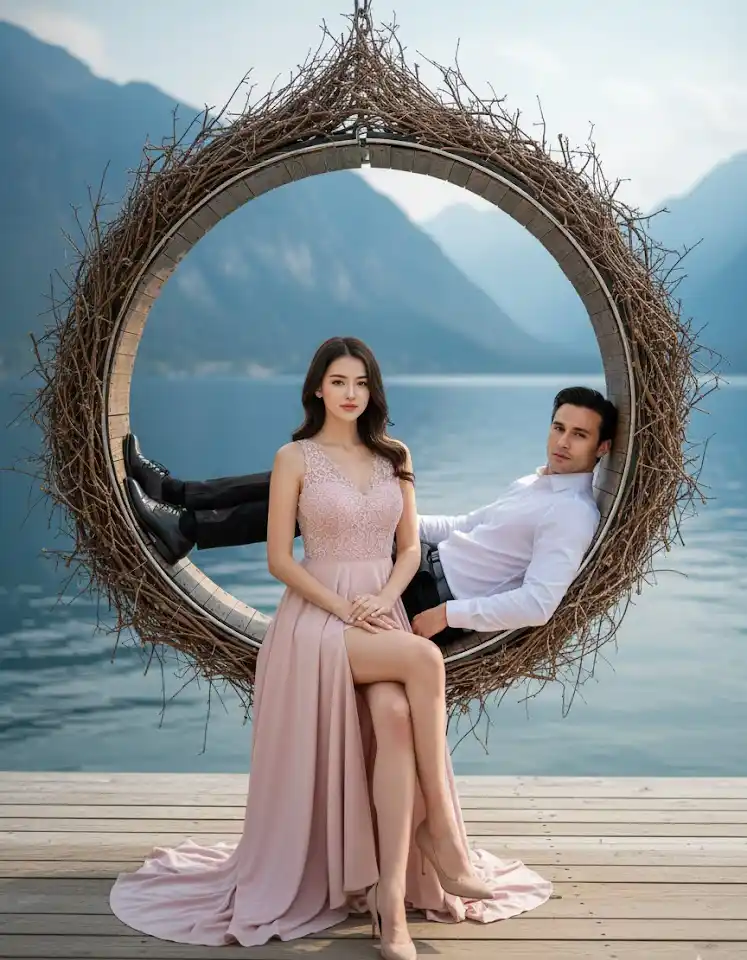
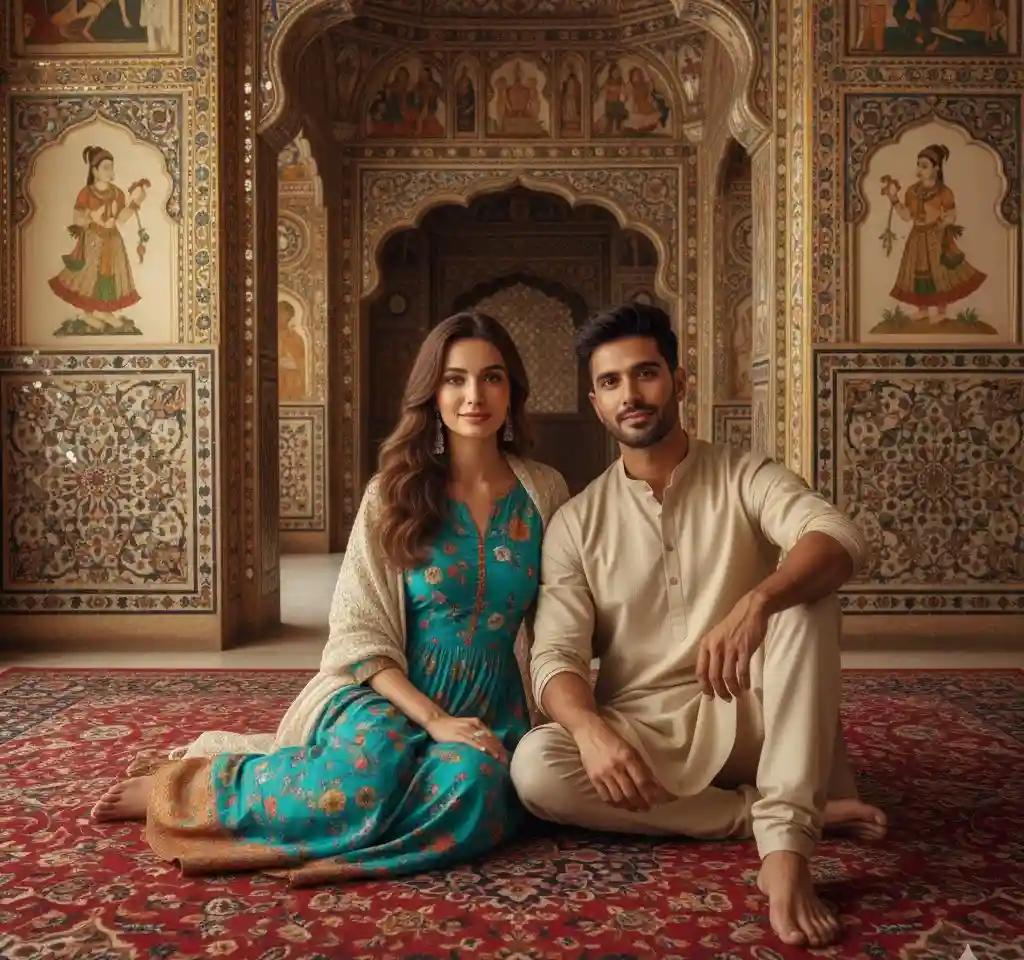
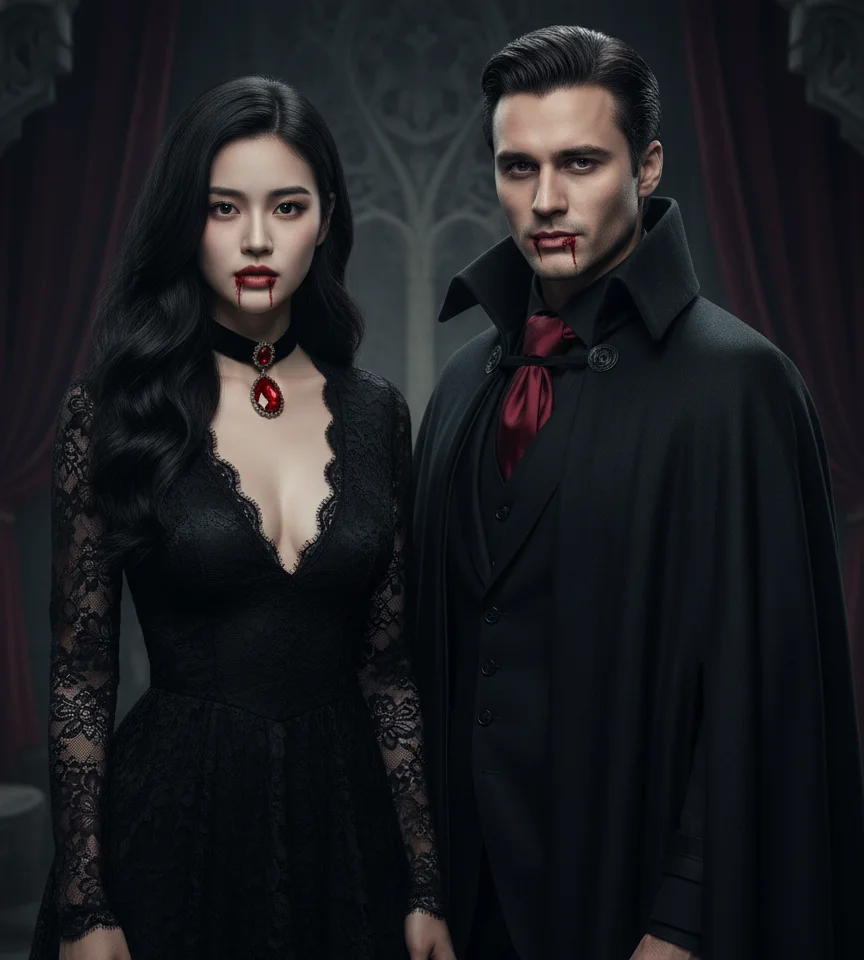
Not sure where to start? Browse by occasion — wedding, travel, Valentine, traditional dress — instead of scrolling hundreds of thumbnails.
If one of these sounds like you, you are in the right place.
You want one photo together before the next visit. Upload separate selfies — the app places you in the same scene with matched lighting.
LDR guide →Save-the-dates, WhatsApp announcements, or a trial look before the real shoot. Wedding templates give you something shareable this week, not next month.
Wedding templates →Print a portrait on canvas or drop it in a photo book. Personal beats generic — especially when travel or budget ruled out a professional session.
Gift ideas →Matching DP for WhatsApp or Instagram. Romantic templates are square-friendly and look intentional — not cropped from a group shot.
Romantic styles →That is the most common use case we see. Upload one photo each, choose a template built for two people, and the AI composites you into one scene. It works best when both faces are clear and well-lit — think passport-style clarity, not a dark club photo.
Template choice matters. Romantic and cinematic styles aim for photo-real results; artistic templates (Ghibli, painting) are obviously stylized — pick those only if that is the look you want. Start with a wedding or beach template if realism is the goal.
Yes — many couples use generated portraits for WhatsApp invites, digital save-the-dates, and small print runs. Download the high-resolution file from the app and send it to your printer. For a formal printed card, preview a proof first.
No. This is not Midjourney. You select a finished template; the app handles pose, background, and lighting. Your job is picking the style and uploading a decent photo.
Your upload is used to generate your portrait. We do not use personal photos to train public models or share them for ads. Read the full privacy policy if you want the legal detail — the short version: your photo is yours.
The app is free to download from the Play Store and App Store, and browsing templates is completely free. Each image generation uses 10 coins — purchase a coin pack in the app when you are ready to create.
Yes — that is our most common request. Upload one photo each, pick a template built for two people, and the app places you in the same scene. Clear, front-facing photos work best.
Template choice matters. Wedding and beach styles aim for photo-real results. Artistic templates (painting, cartoon) are obviously stylized — pick those only if that is the look you want.
Many couples do. Download the high-res file from the app and send it to your printer or drop it straight into a digital invite. Preview a proof before a big print run.
No. Pick a finished template — the app handles background, lighting, and pose. You upload a decent photo; that is the whole job.
The app is free to download from the Play Store and App Store, and browsing templates is completely free. Each image generation uses 10 coins — purchase a coin pack in the app when you are ready to create.
Jump to templates, guides, and regional pages — all upload-first, no prompt needed.