Job seekers & career switchers
You need a LinkedIn photo this week, not after a photographer's three-week waitlist. A polished headshot beats a cropped wedding photo or no photo at all.
LinkedIn tips →You do not need a studio, a blazer in your closet, or a ₹5,000 photographer booking. Upload a clear selfie, pick a business or studio template, and download a headshot you would actually put on LinkedIn — usually in under 30 seconds.
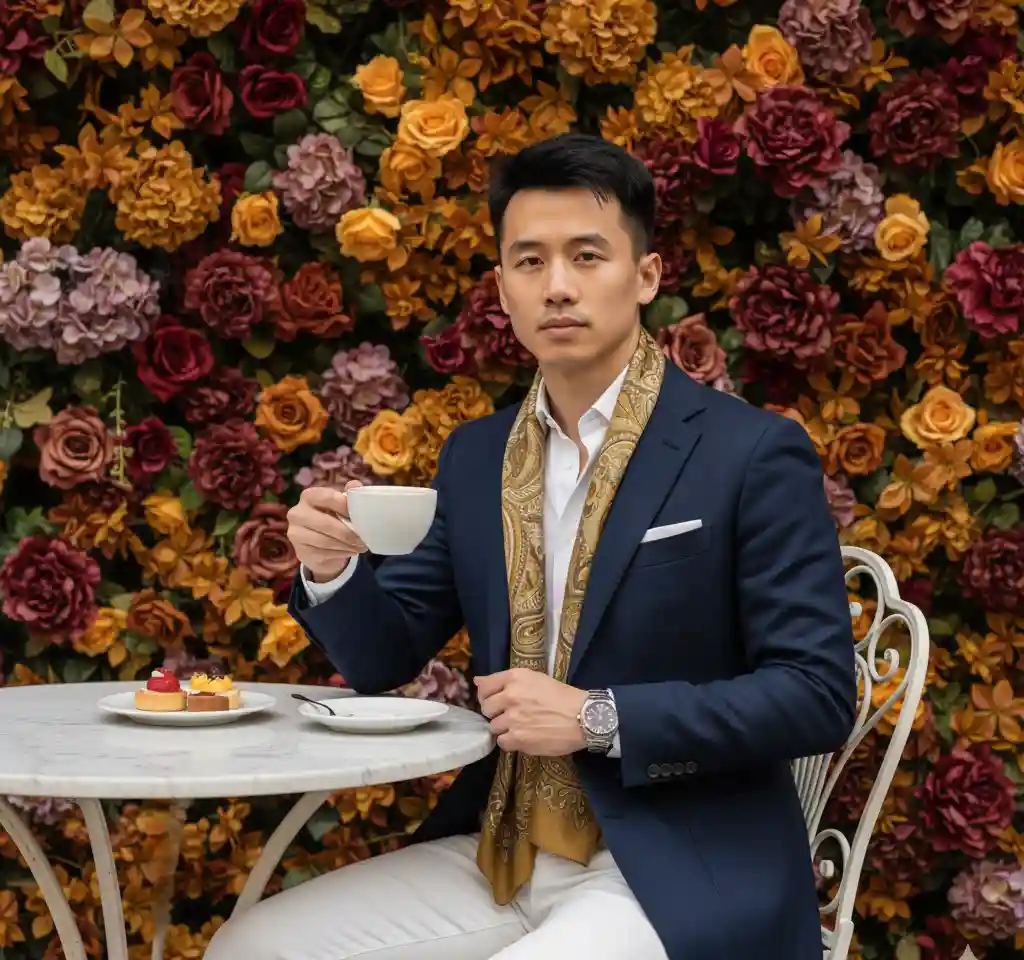

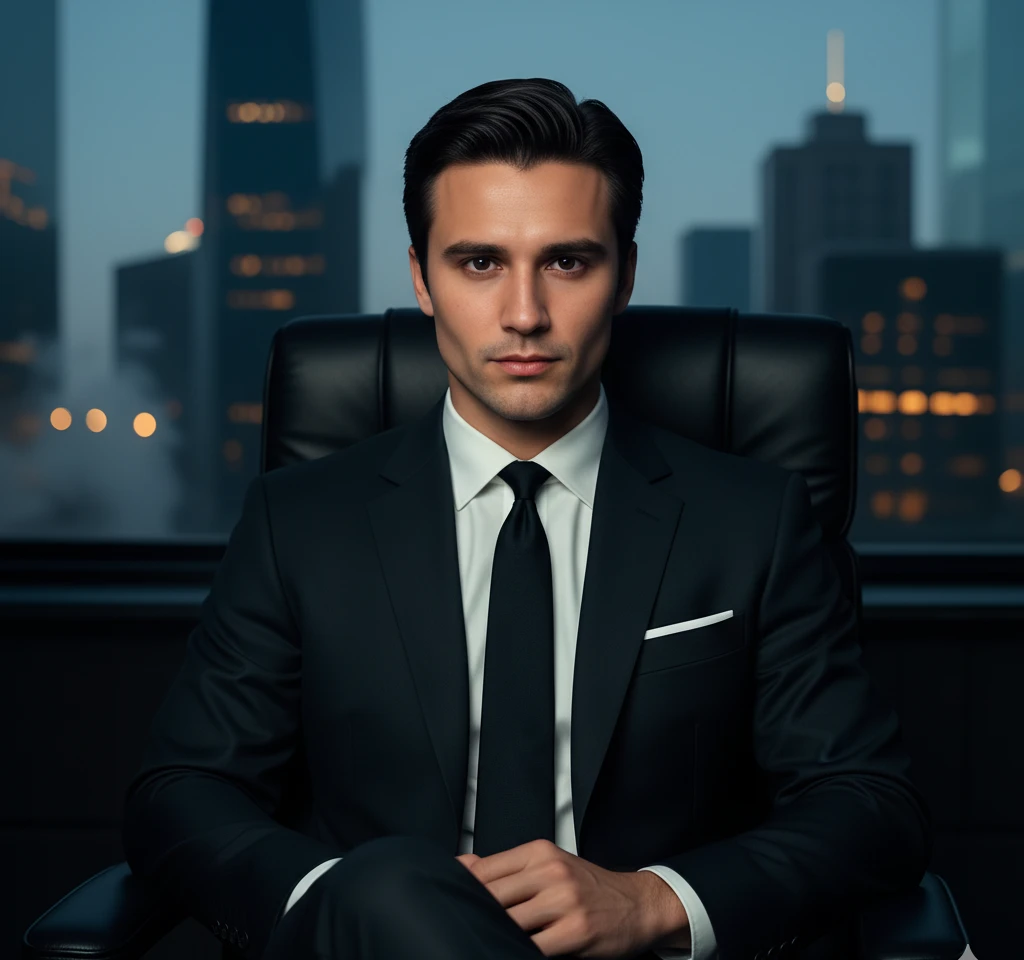
LinkedIn profile? Resume PDF? Company team page? Pick a template that fits — corporate studio, casual professional, or industry-specific.
Face the window, skip the heavy filter, and look at the camera. A bathroom mirror photo can work; a blurry bar photo will not.
Export high resolution, crop square for LinkedIn, and update your profile before your next application or client call.
Popular starting points — studio white background, office setting, casual lifestyle. Tap a style to try it in the app.

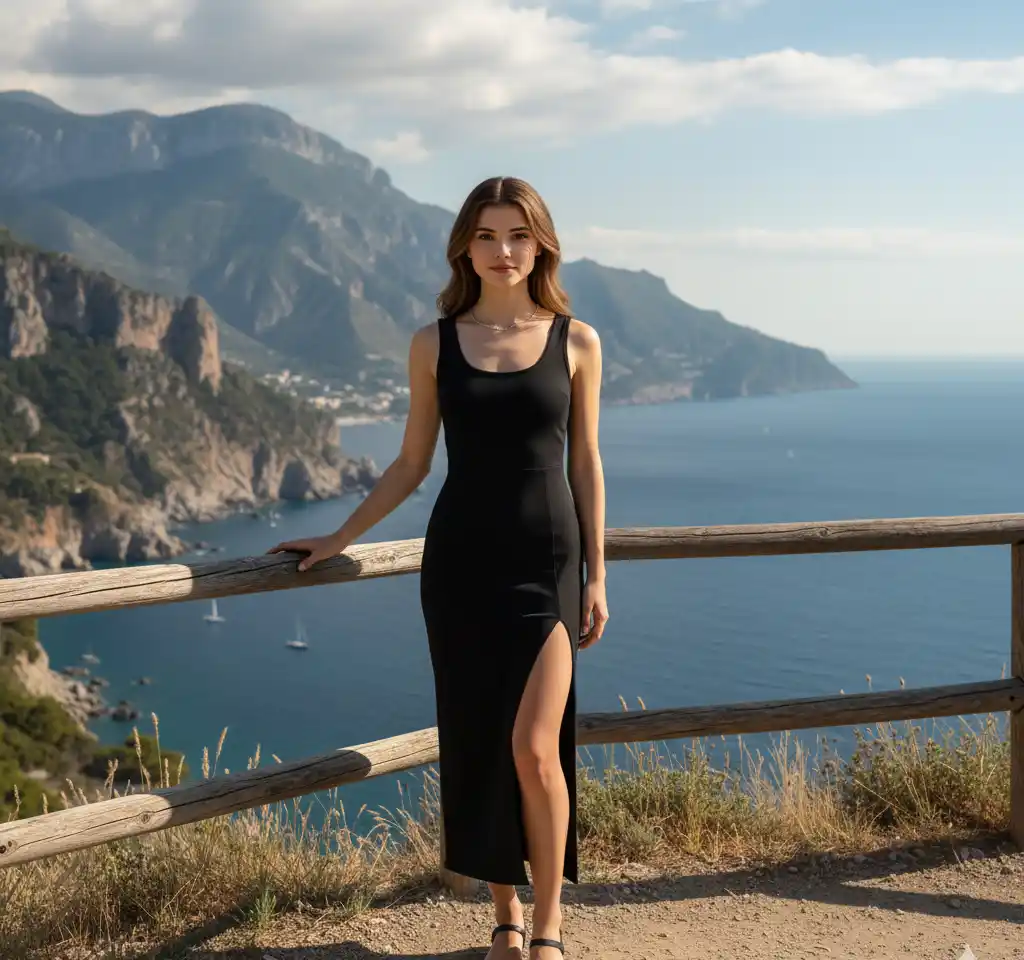
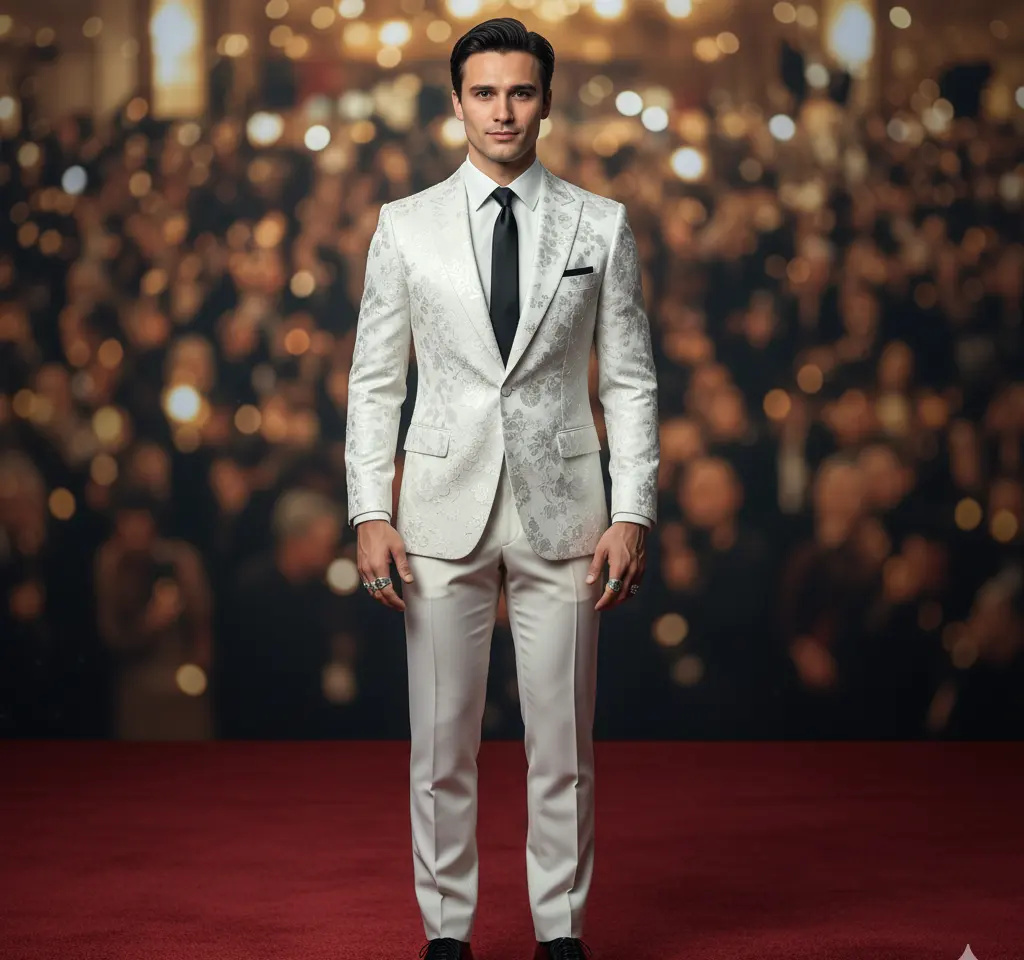
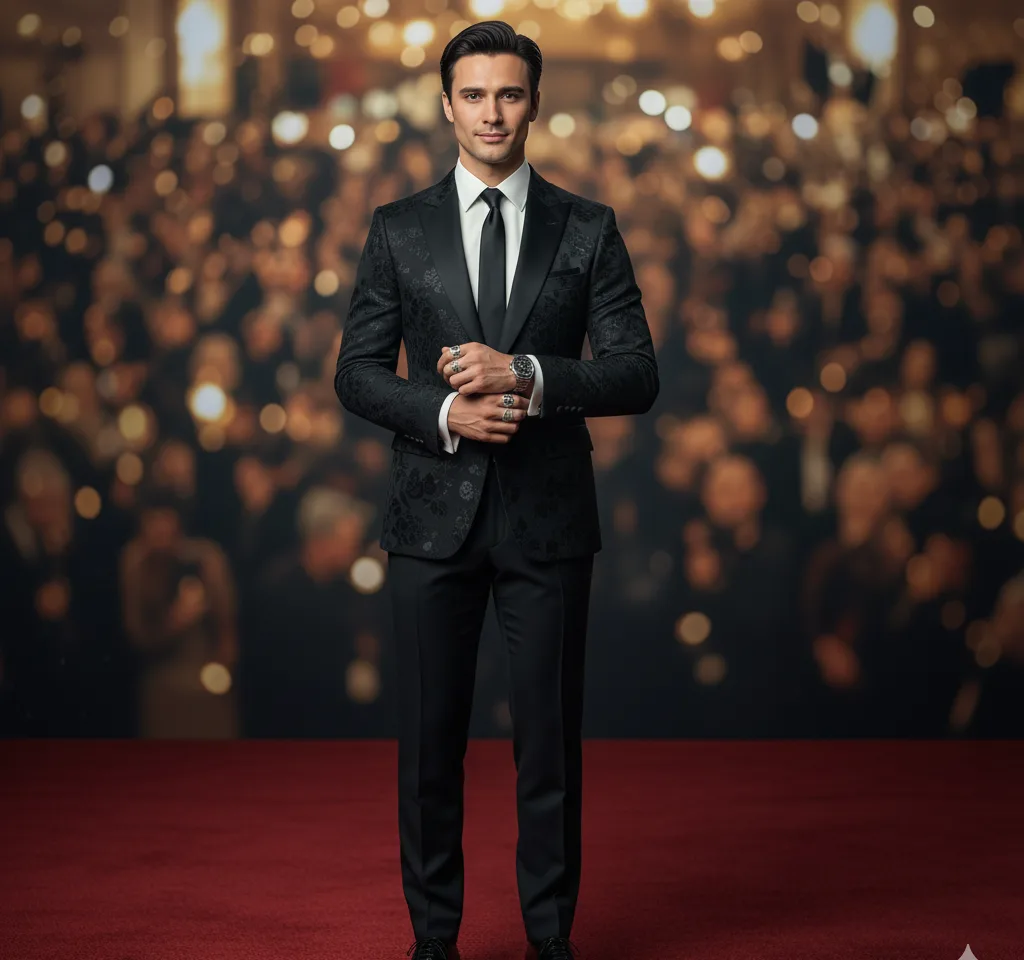
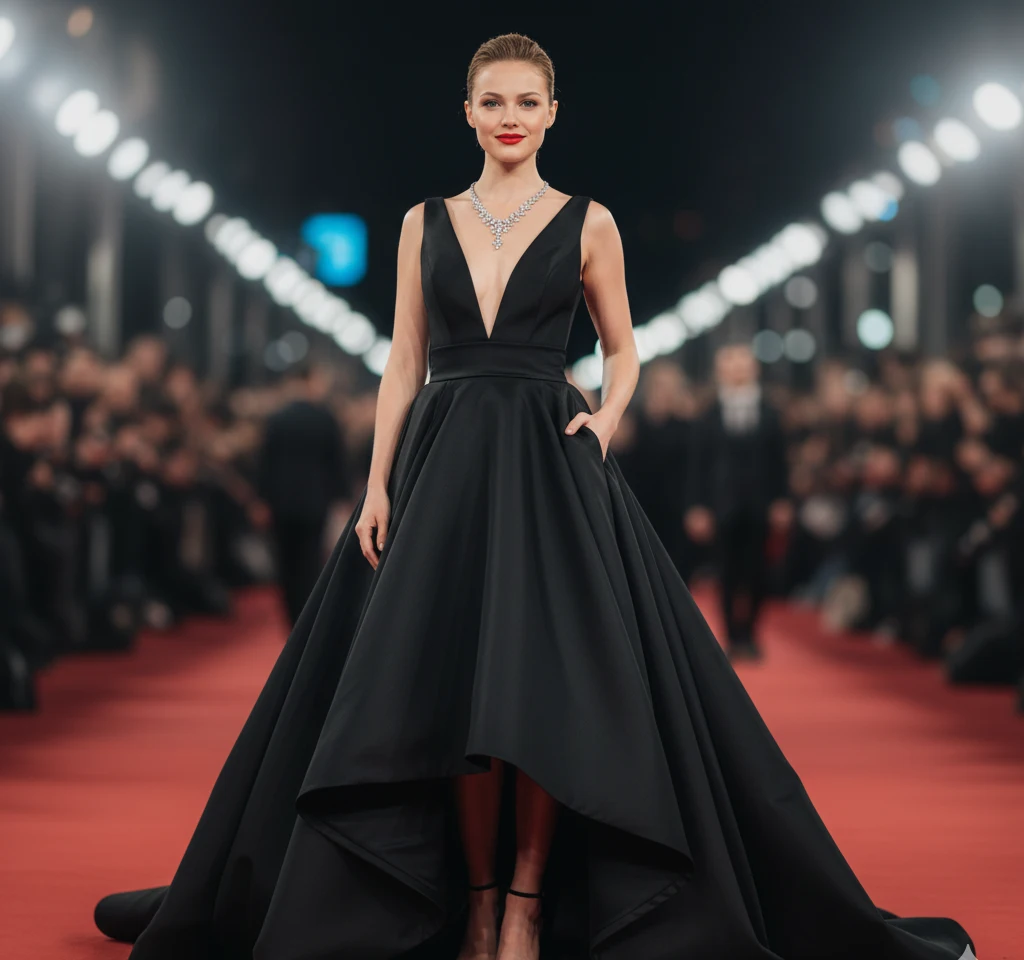
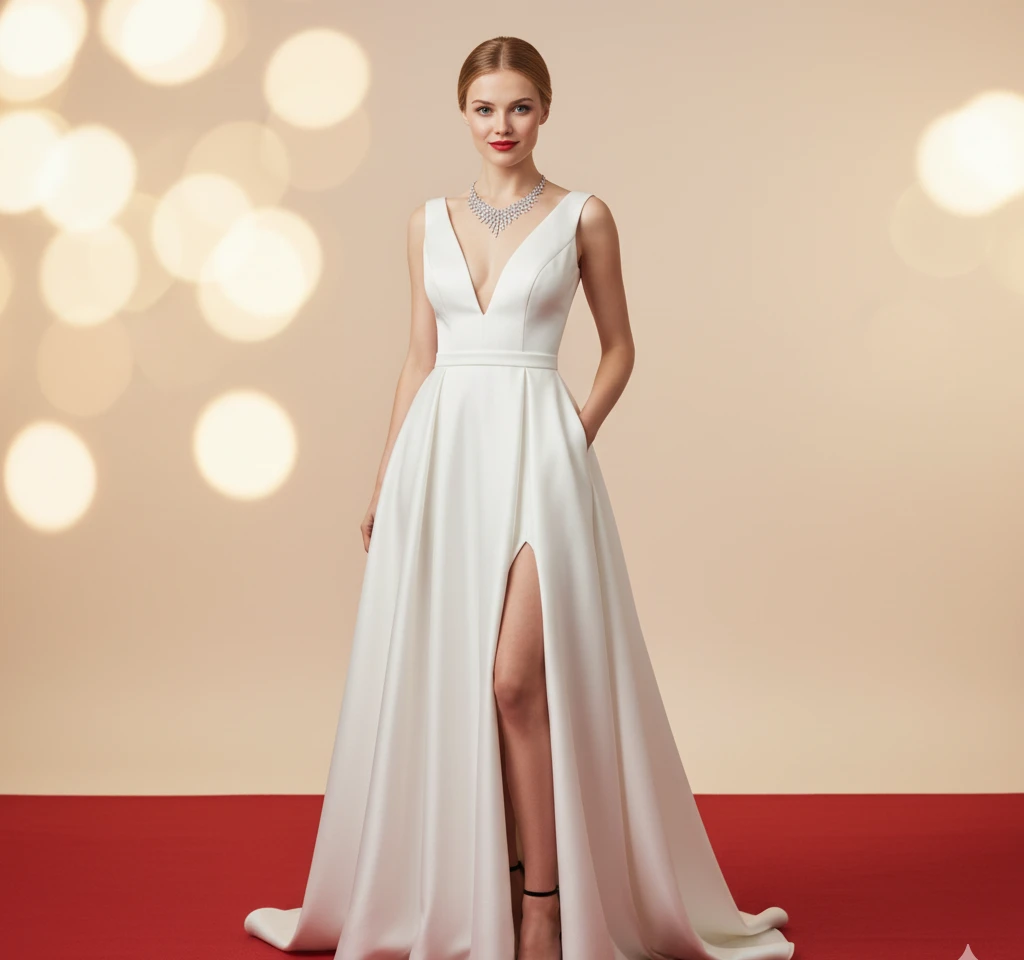
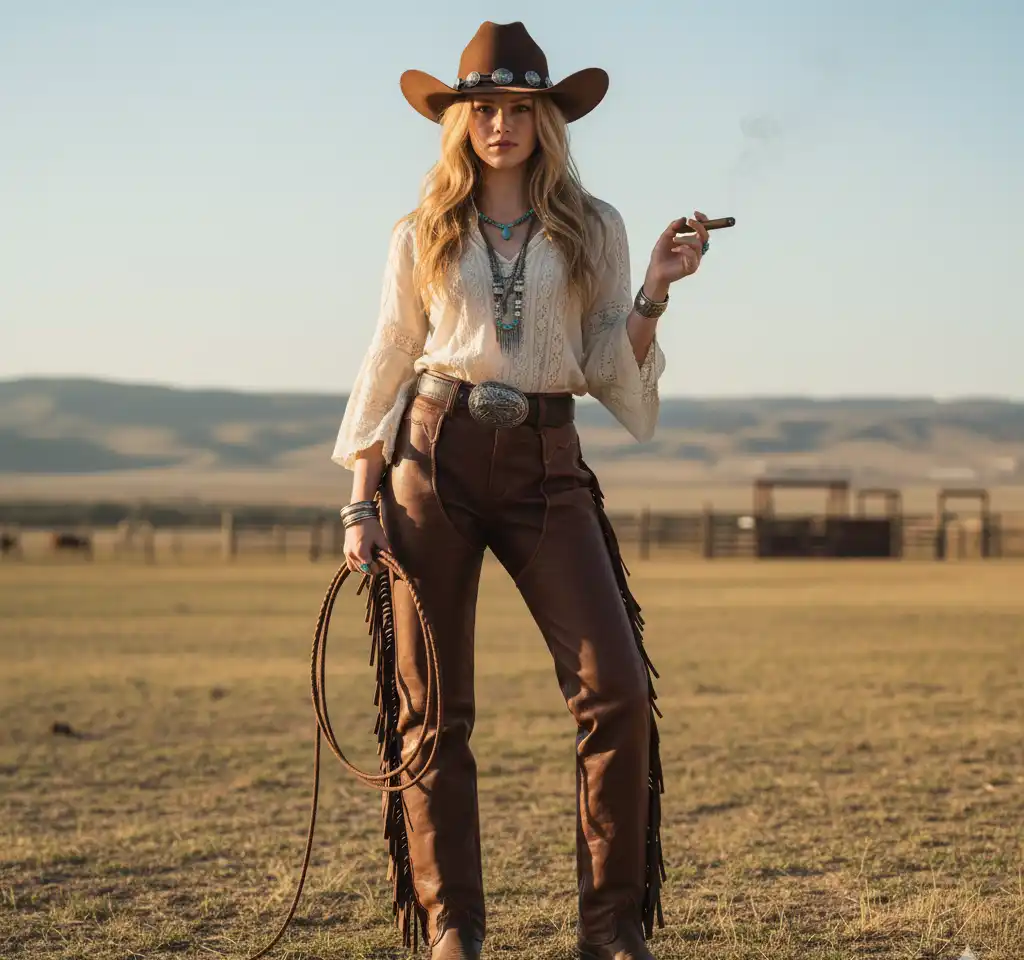
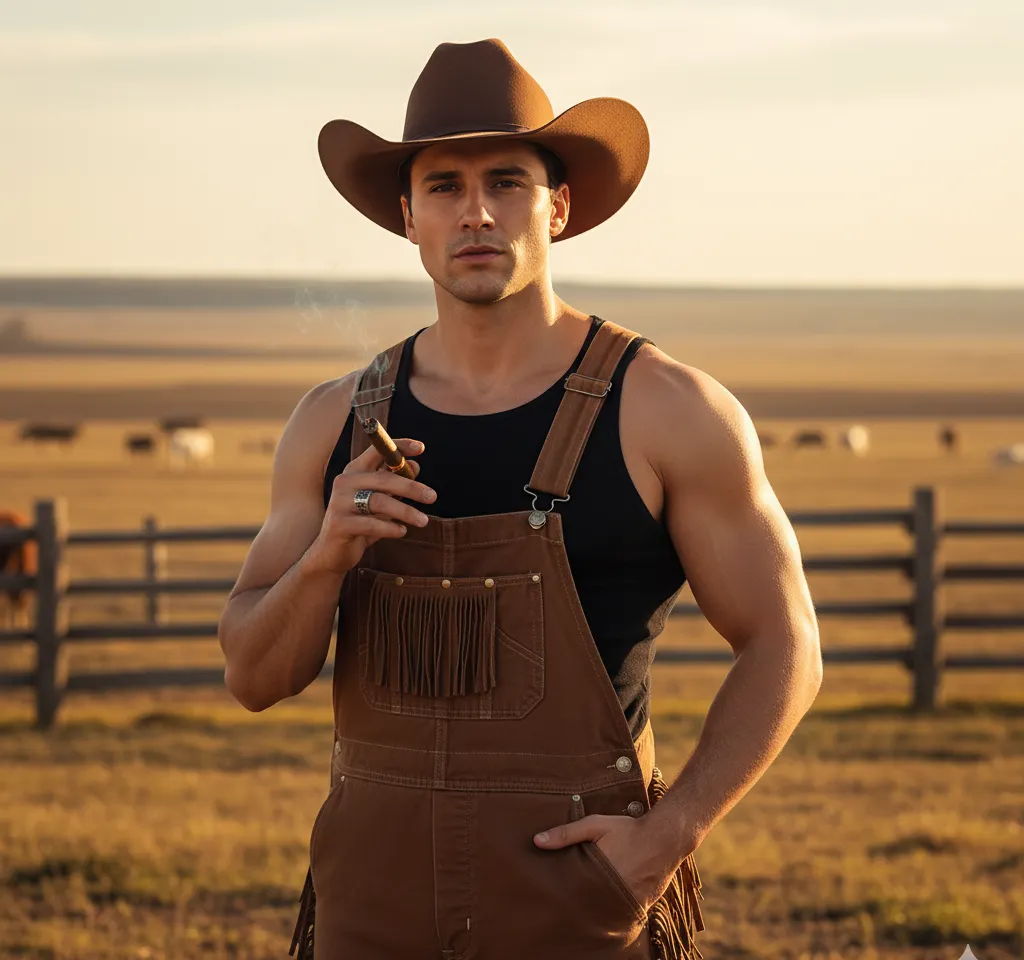
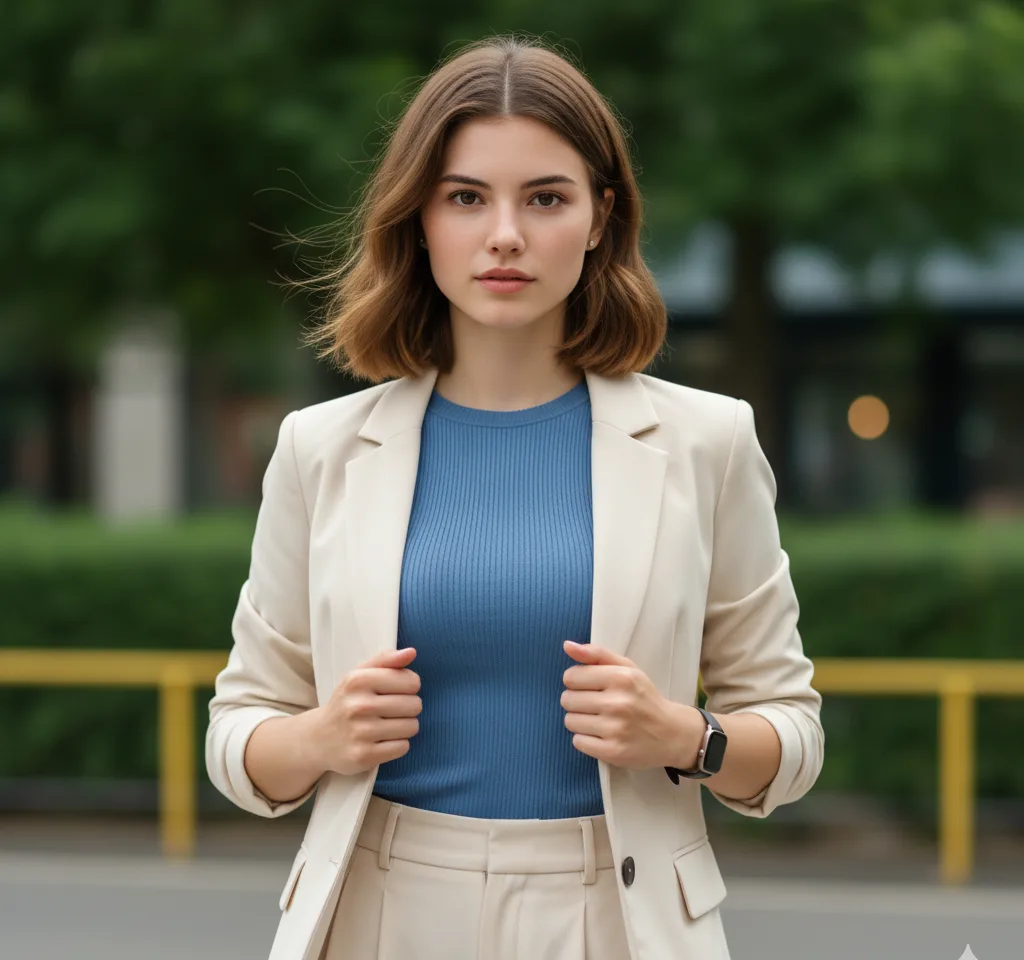
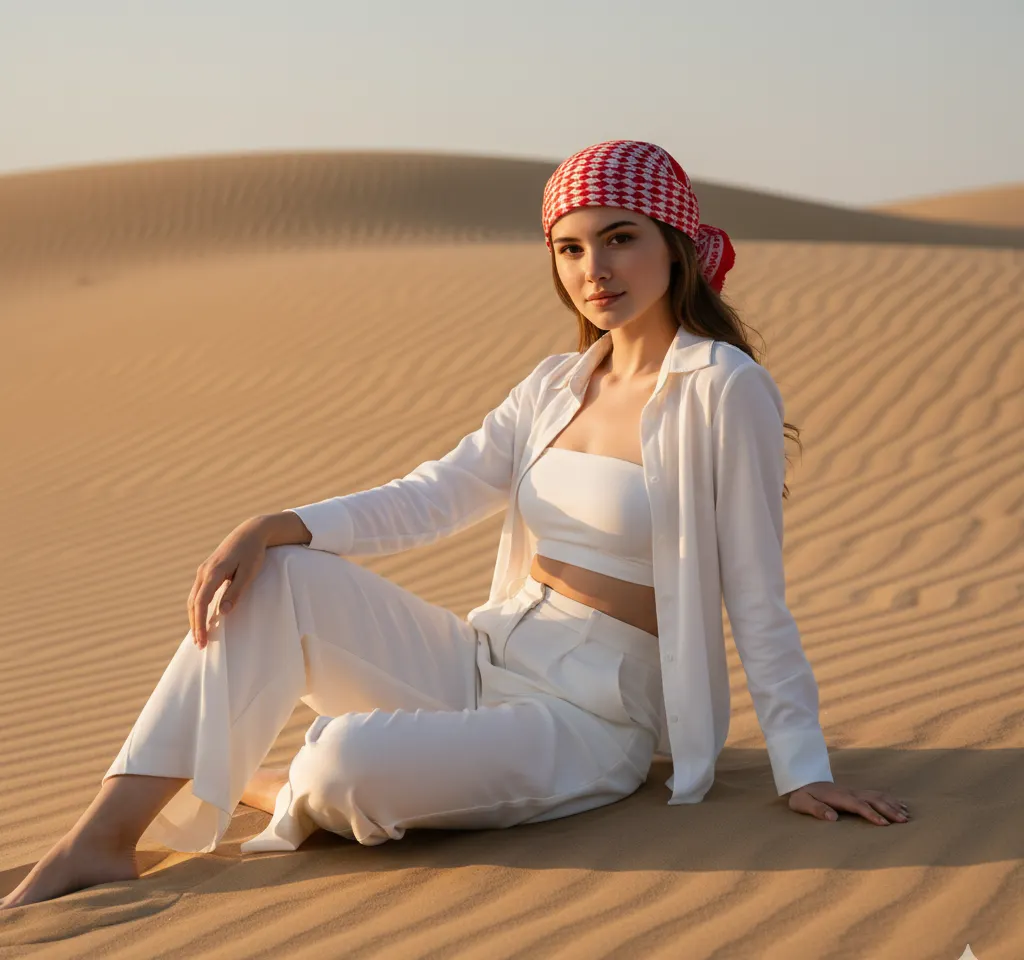
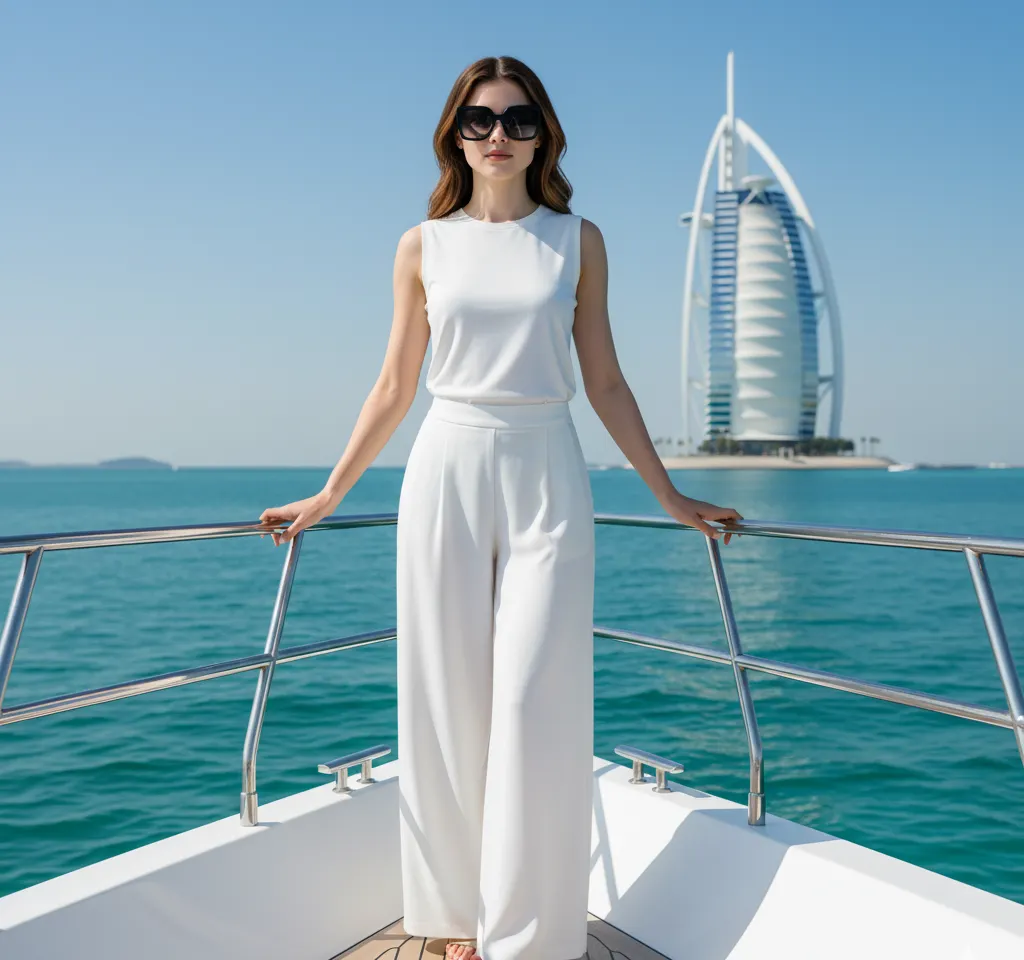
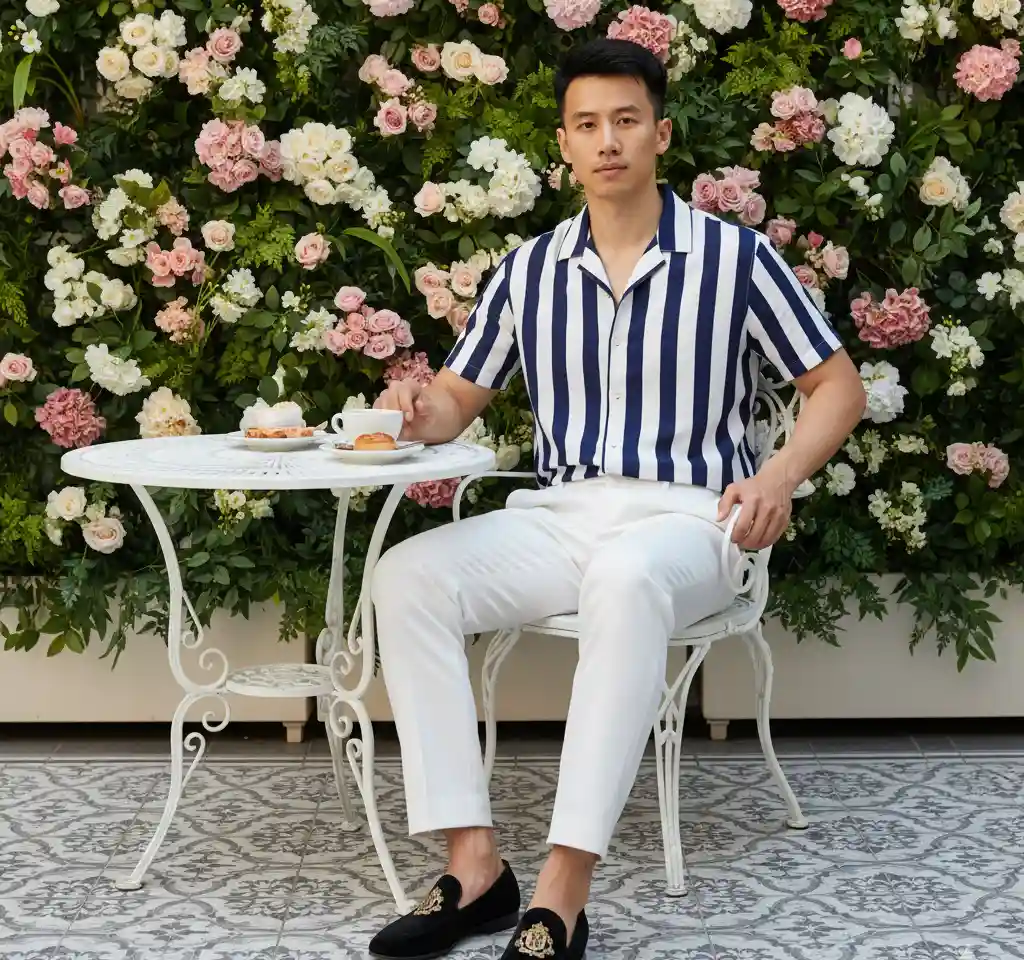
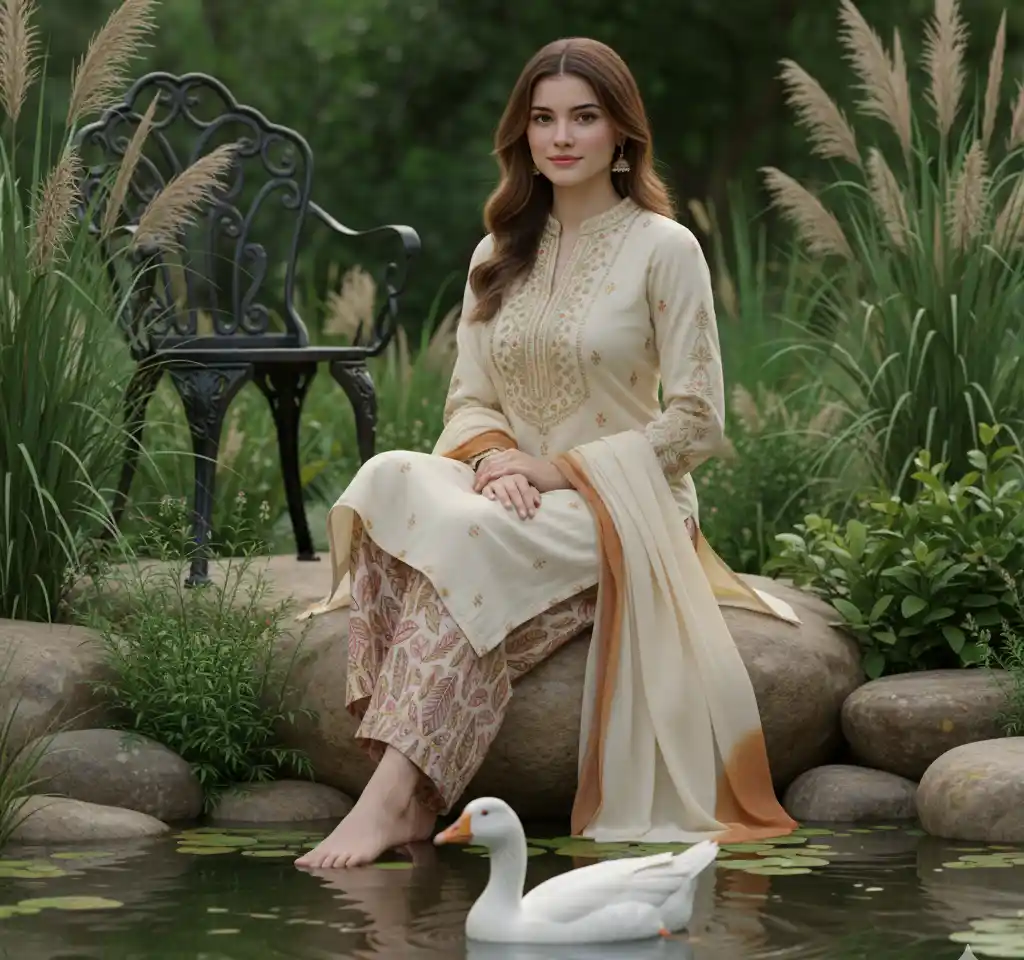
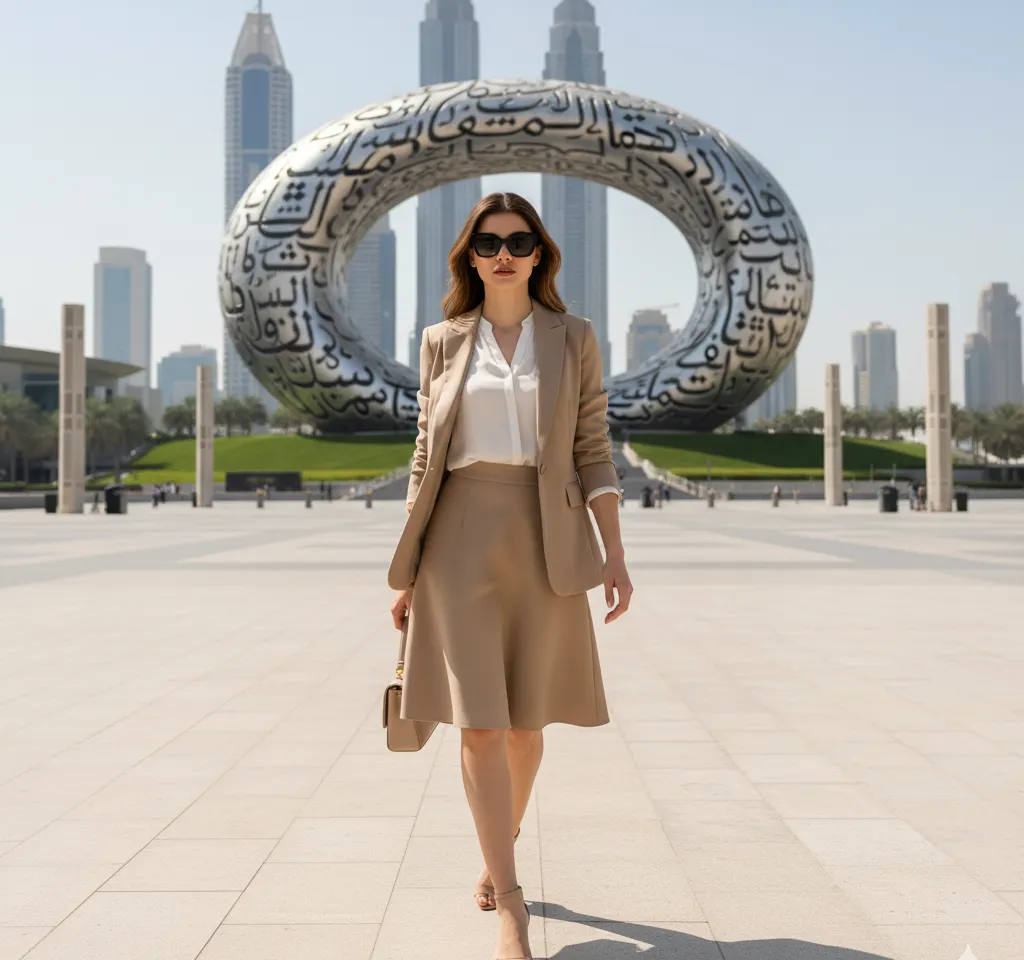
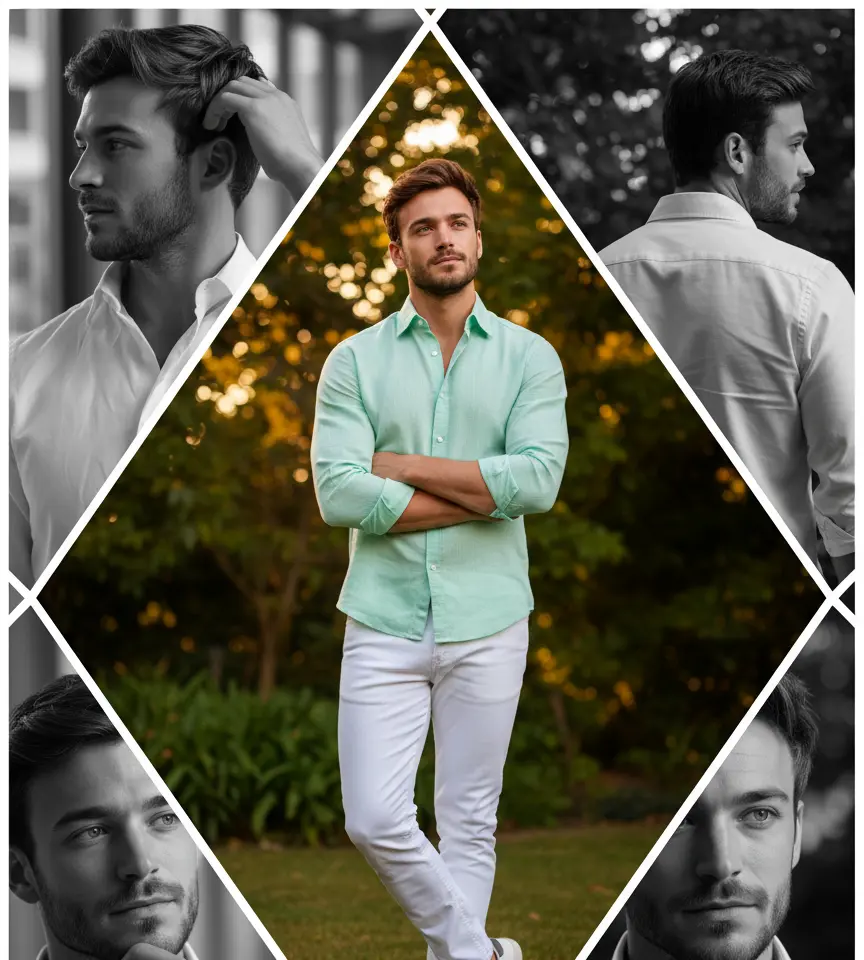
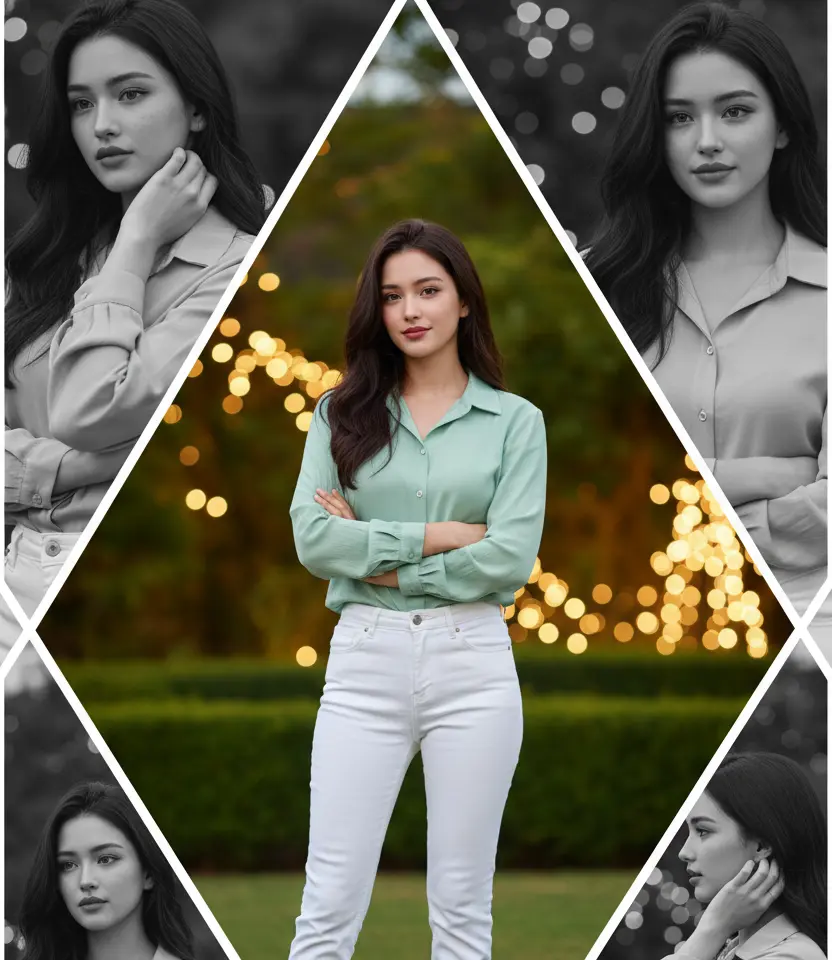
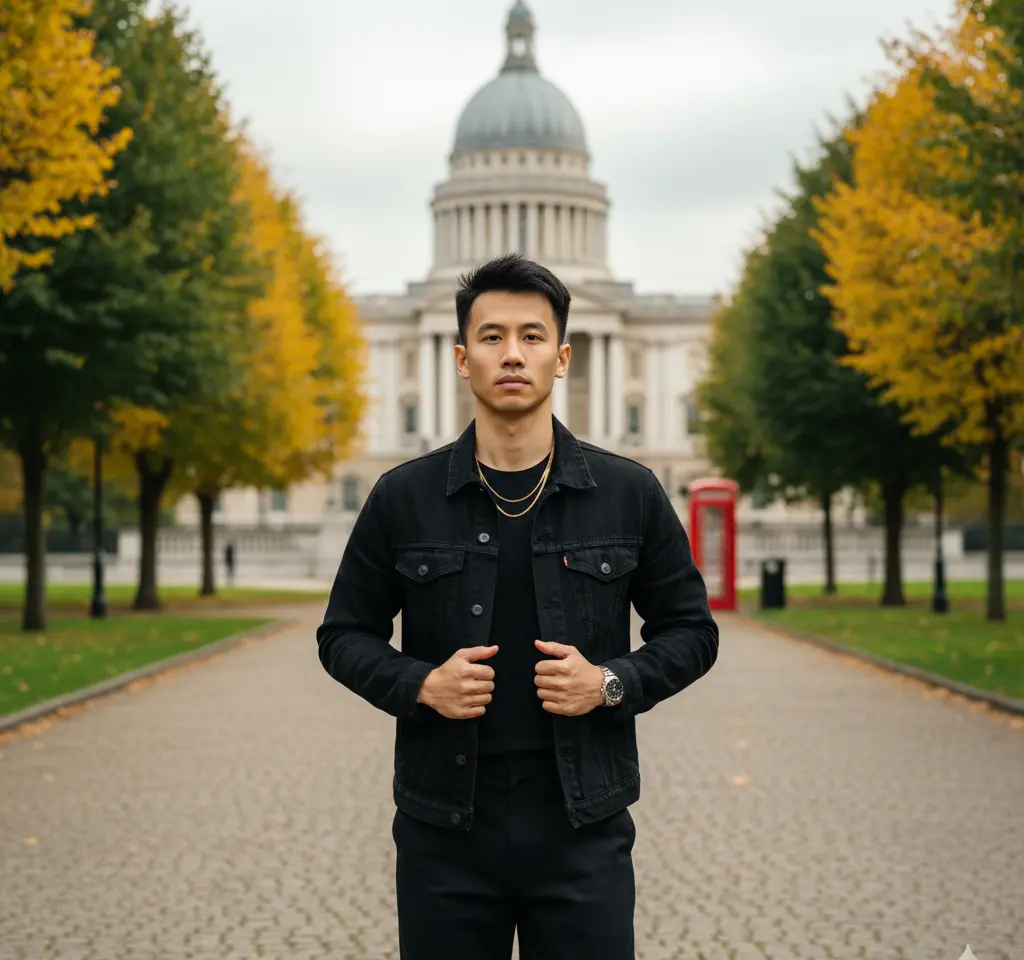
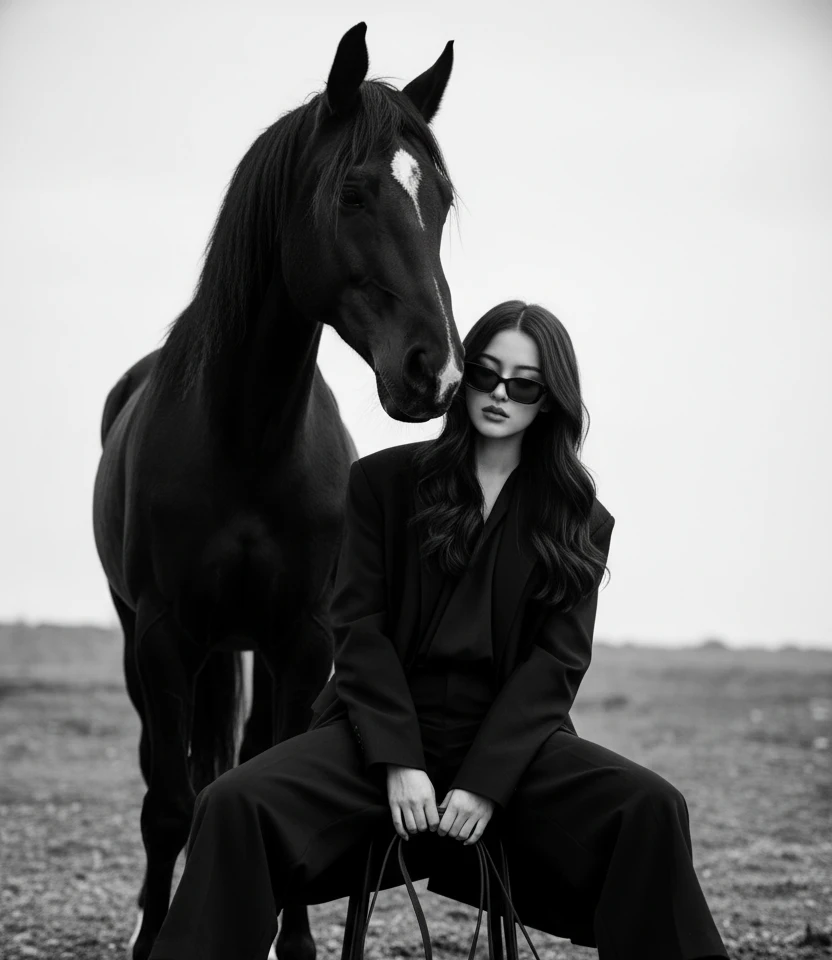
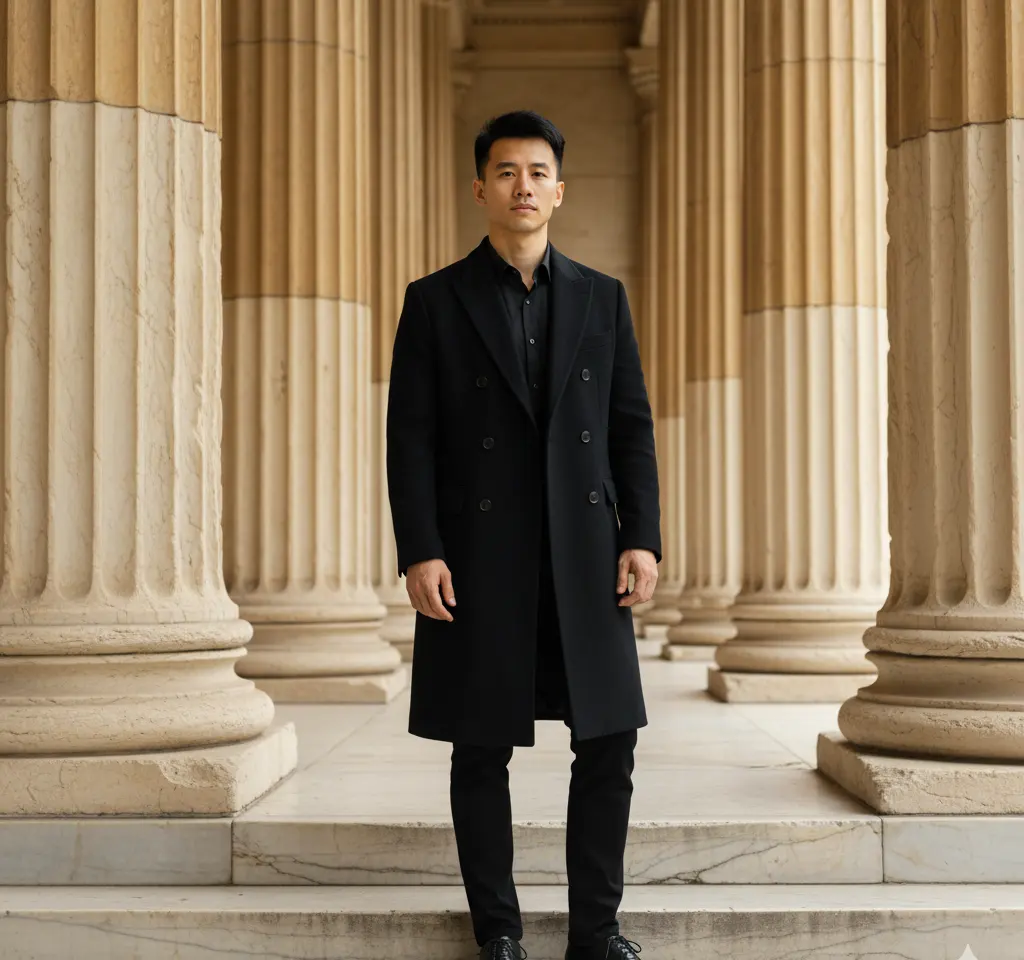

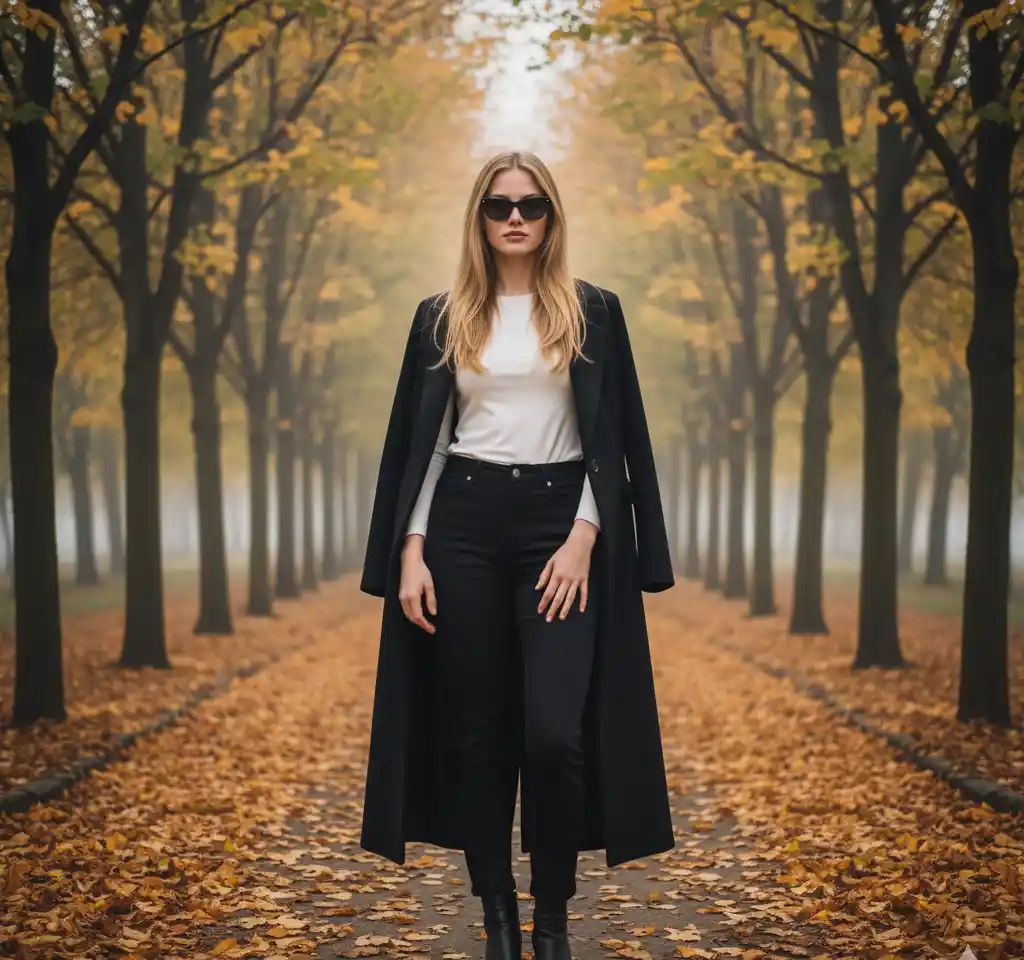
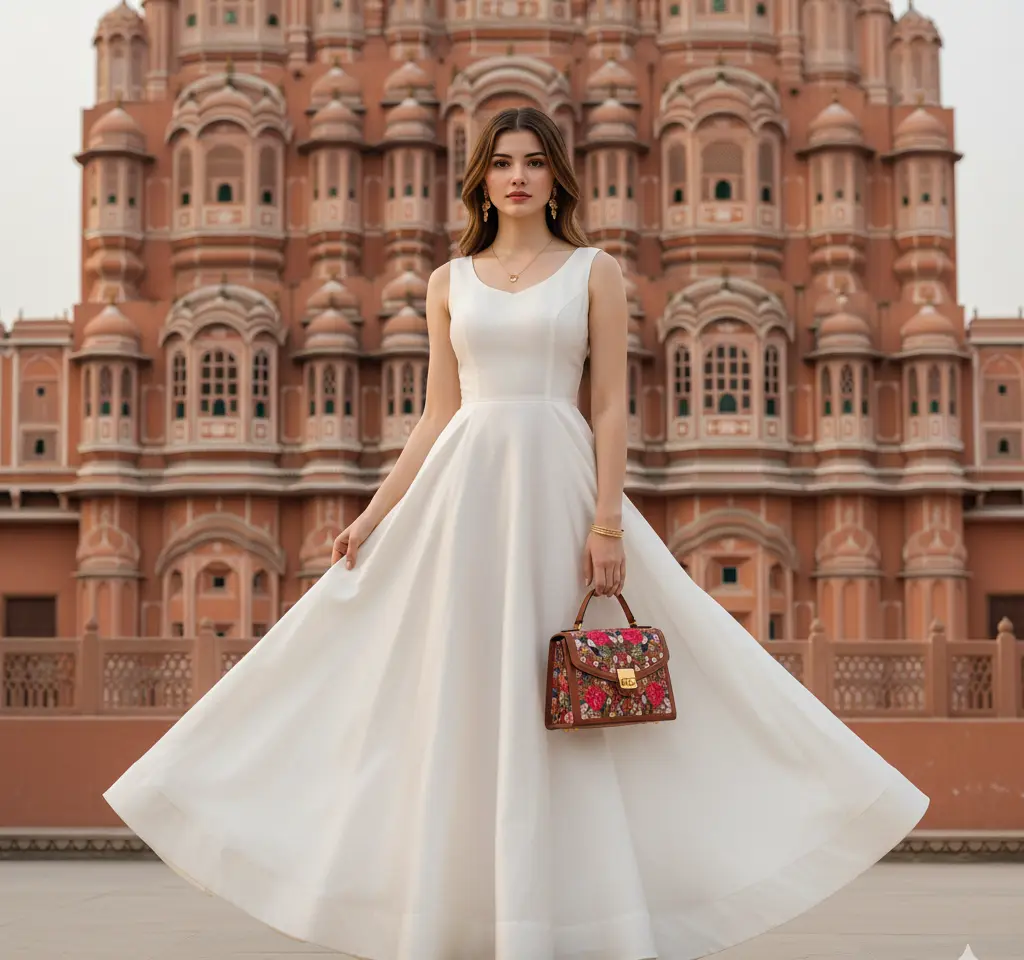

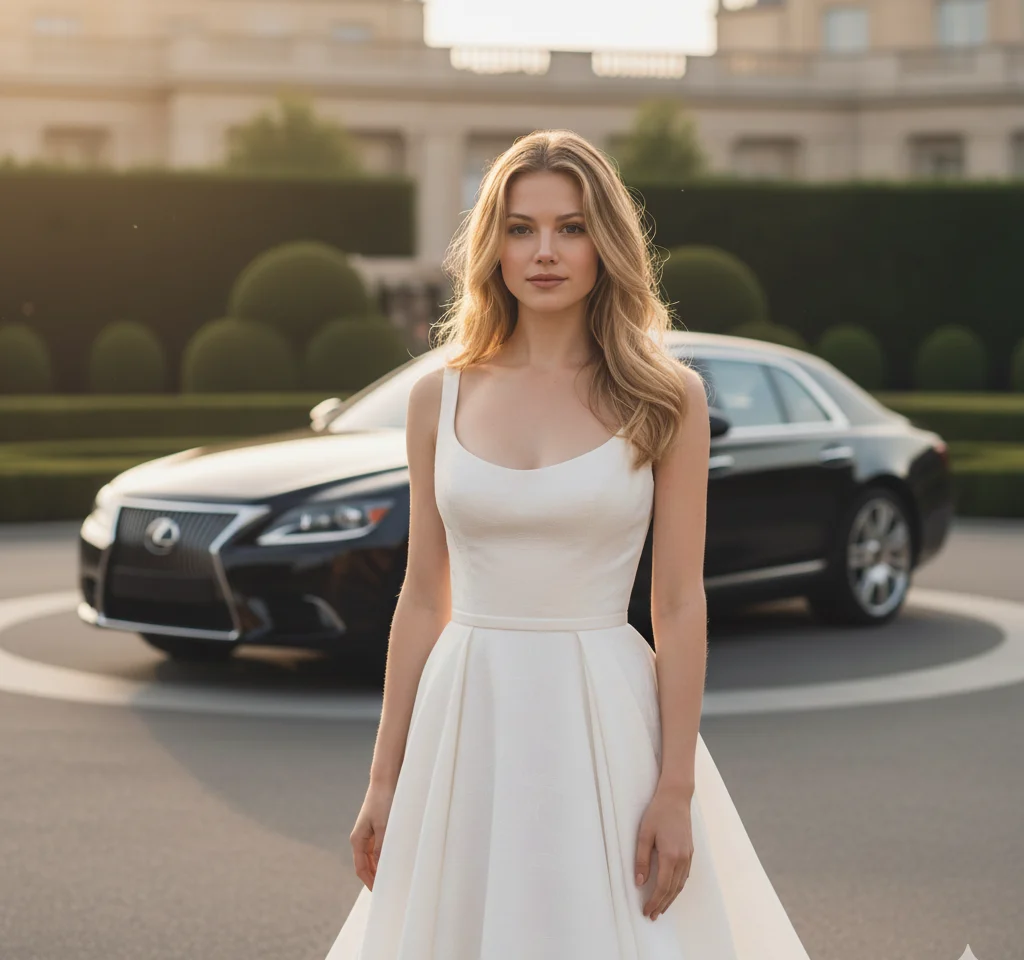
Browse by use case: corporate, medical, creative, travel landmark — instead of guessing from hundreds of thumbnails.
If you are in one of these situations, you are not cutting corners — you are being practical.
You need a LinkedIn photo this week, not after a photographer's three-week waitlist. A polished headshot beats a cropped wedding photo or no photo at all.
LinkedIn tips →Clients judge credibility from your profile before the first call. A consistent, professional portrait signals you take your work seriously.
Studio templates →Startups and small teams use the same template style so everyone looks cohesive on the About page — without booking a studio for twelve people.
Business office look →Your first resume deserves better than a party snapshot. Student and graduation templates give you a clean, approachable professional look.
Graduation styles →The AI keeps your bone structure, skin tone, and facial features. It changes lighting, background, and clothing — not your identity. If a result does not look like you, try a clearer source photo or a different template before giving up.
For most industries, yes. Recruiters care that you look professional and approachable — not whether you sat in a physical studio. Avoid overly glam or fantasy templates for conservative fields like law or finance.
Usually retake. Nine times out of ten, a well-lit front-facing photo fixes a weird result. Template choice matters second.
Portrait mode blurs the background. This replaces background and outfit and relights your face to match a professional scene — closer to what a photographer would deliver.
No. Pick a finished headshot template, upload, generate. No Midjourney-style text required.
The app is free to download from the Play Store and App Store, and browsing templates is completely free. Each image generation uses 10 coins — purchase a coin pack in the app when you are ready to create.
Yes — if the selfie is clear and front-facing. The app adds studio lighting, a clean background, and professional clothing. Recruiters care that you look approachable, not that you paid for a physical studio.
It should. The AI maps your face onto the template — it does not swap you for a stock model. If it does not look like you, retake the selfie with better light before switching apps.
LinkedIn and corporate jobs: white or grey studio background. Creative fields or startups: business casual or lifestyle templates. When unsure, studio is the safe default.
Upload, pick a template, generate — most headshots are ready in under a minute. Faster than booking, travelling to, and waiting for a photographer.
The app is free to download from the Play Store and App Store, and browsing templates is completely free. Each image generation uses 10 coins — purchase a coin pack in the app when you are ready to create.
Jump to templates, guides, and regional pages — all upload-first, no prompt needed.