Browse Professional Studio Headshots Templates
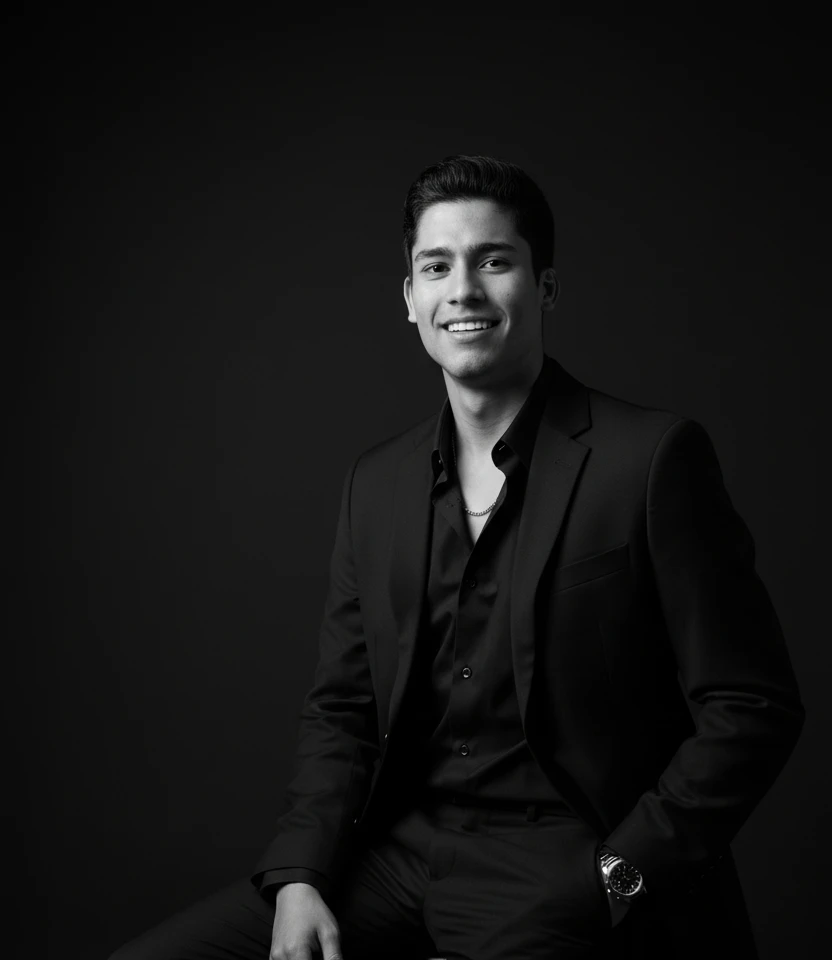
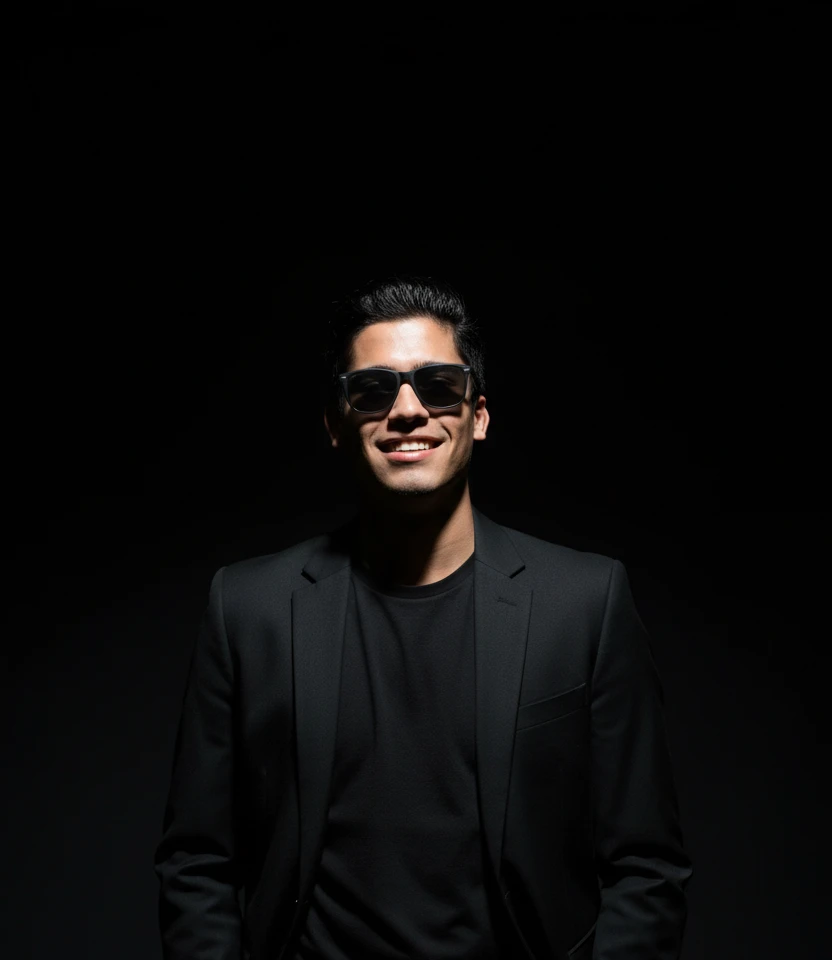
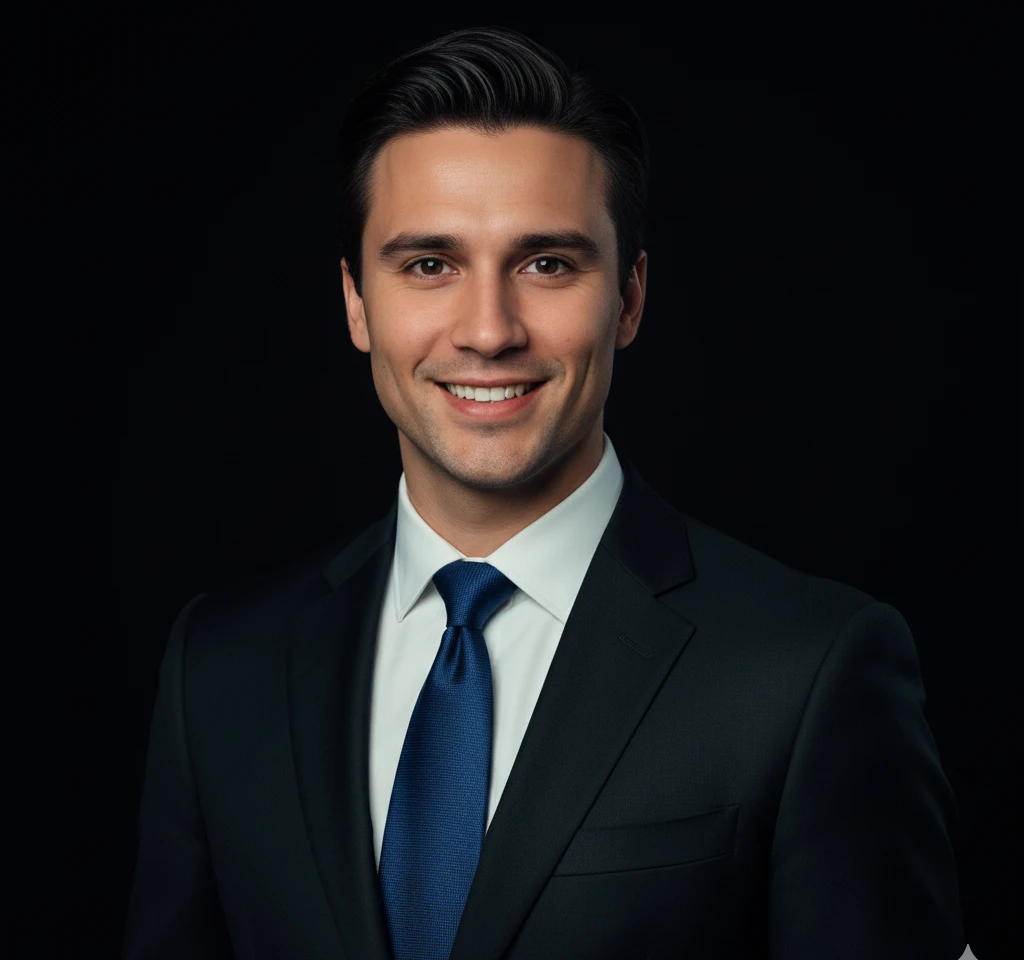
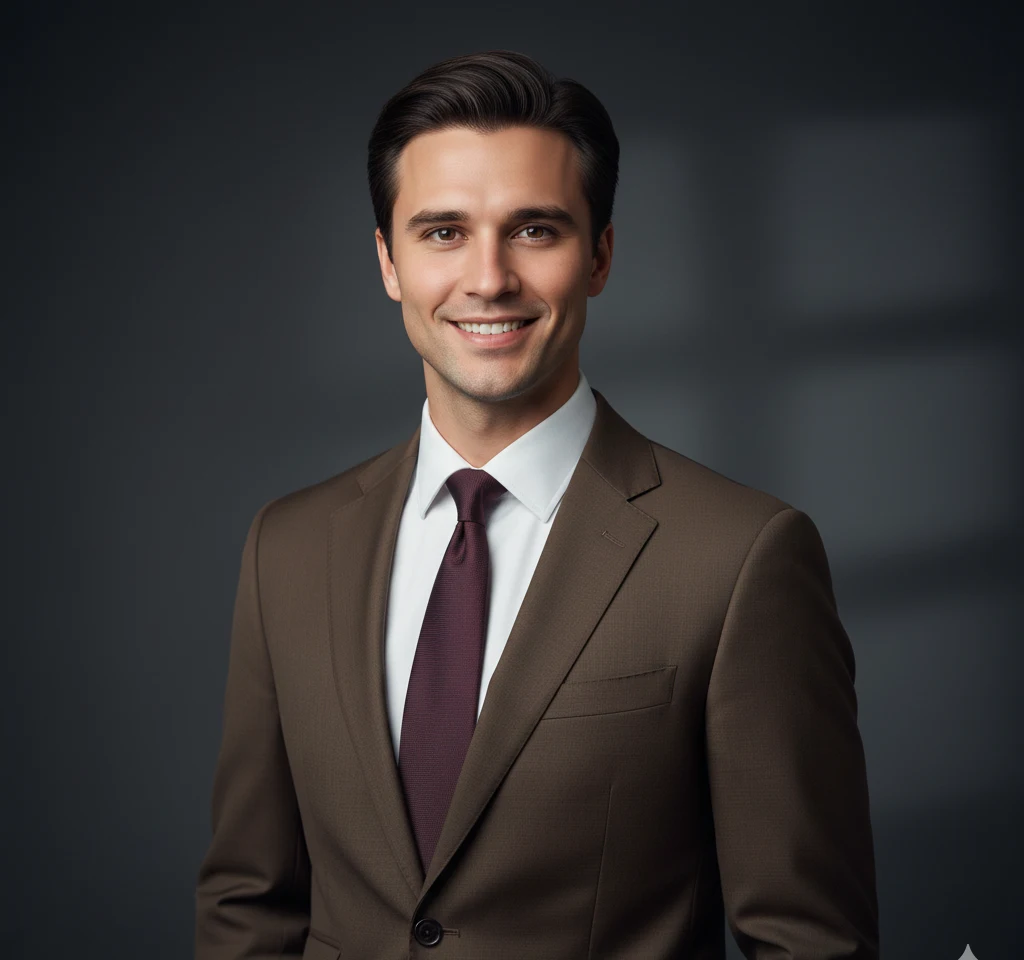
Click any template to open in the app and generate your ai headshot generator result instantly.
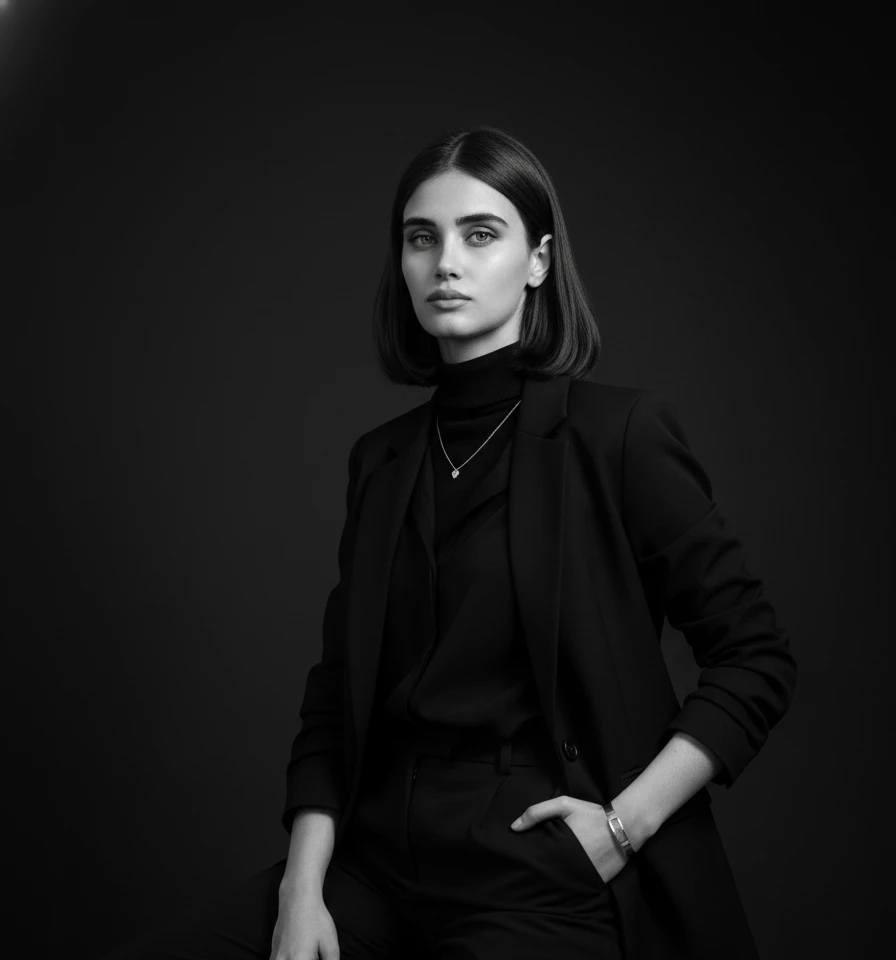
How to Create Your AI Headshot Generator
Pick a Template
Choose from our 5+ Professional Studio Headshots templates above.
Upload Your Photo
Upload a clear portrait with good lighting — no text prompt needed.
Generate & Download
Our AI generates your styled image in under 30 seconds. Download instantly and share.
What Is a Professional Studio AI Headshot — and Why Does It Matter?
A professional studio AI headshot replicates the controlled environment of a high-end photography studio — crisp neutral backgrounds, balanced key lighting, and sharp focus on your face — without requiring you to book a session, hire a photographer, or spend hundreds of dollars. Traditional studio headshots involve ring lights, softboxes, backdrop stands, and a skilled operator. Our AI compresses all of that into a single upload.
The result is a clean, polished portrait on a white, grey, or gradient background that communicates credibility and competence at a glance. For anyone building a professional presence online, that first impression is everything. Recruiters, clients, and colleagues form opinions within seconds of seeing your profile photo — a professional studio AI headshot ensures that impression is always your best one.
How the AI Replicates Expensive Studio Lighting
Real studio photography relies on Rembrandt lighting, butterfly lighting, or split lighting setups to sculpt the face and eliminate harsh shadows. Our AI analyzes the existing light in your uploaded selfie and remaps it to match the chosen studio template — adjusting shadow depth, highlight placement, and skin tone consistency. The bokeh background blur that typically requires a fast prime lens and precise depth-of-field control is applied algorithmically, giving your portrait that shallow-focus look associated with professional gear.
You can choose from white seamless, warm grey, cool charcoal, or soft gradient backgrounds. Each option is calibrated to complement different skin tones and suit different professional contexts, from a startup founder's LinkedIn banner to a surgeon's hospital bio page.
Who Uses Professional Studio AI Headshots?
The use cases are broad. Corporate teams use our tool to create consistent headshots across an entire department — no more mismatched photos taken at different times with different cameras. Individual professionals update their professional studio AI headshot for LinkedIn, company websites, press kits, and speaking engagement bios. Job seekers use it to present a polished image before interviews. Executives use it for board presentations and investor decks where visual authority matters.
For small businesses, the cost savings are significant. A single studio session can cost $200–$500 per person. With our professional studio AI headshot generator, an entire team can have matching, high-quality portraits in under an hour. The images are delivered in high resolution, ready for print or digital use, with no watermarks and full commercial rights for your own professional profiles.
Frequently Asked Questions
What makes a studio headshot different from a regular photo?
Studio headshots use controlled lighting, clean neutral backgrounds, and professional framing. Our AI replicates all of these elements from a single selfie upload.
Can I choose the background color for my studio headshot?
Yes. Our studio templates include white, grey, dark, and gradient backgrounds to match your brand or preference.
Are studio AI headshots suitable for ID cards and badges?
Yes. The clean, neutral backgrounds and professional framing make them ideal for ID cards, company badges, and official documents.
How realistic are the studio AI headshots?
Our AI uses advanced lighting simulation to create portraits that are virtually indistinguishable from real studio photography.
Can I use studio headshots for my company website team page?
Absolutely. Many businesses use our AI to create consistent, professional studio headshots for their entire team at a fraction of the cost.
How do I use the Professional Studio AI Headshots?
Download the app free from the Play Store or App Store. Browse templates at no cost, then upload your photo and pick a style. Each generation uses 10 coins — purchase a coin pack in the app when you are ready.
What is the best AI photo generator for Professional Studio AI Headshots?
Our platform is widely considered the best because it requires zero text prompts. It uses advanced facial recognition to blend your features naturally into professional templates.
Can I use this on my phone or do I need a computer?
Our Professional Studio AI Headshots is fully optimized for mobile devices, meaning you can generate, download, and share your photos directly from your smartphone.
Do I need to write complex prompts to get a good result?
No! Unlike Midjourney or Stable Diffusion, our app is entirely prompt-free. You just click on the style you want, and the AI handles all the complex lighting and rendering.
Are the generated photos safe to use on social media?
Absolutely. The images generated are in high definition and are perfect for Instagram, LinkedIn, TikTok, and Facebook. Plus, we do not watermark your downloaded images.
How does the AI keep my face looking natural?
The AI analyzes your bone structure, skin tone, and facial expressions, mapping them onto the template while preserving your unique identity so it truly looks like you.